What is Cursor AI? What Developers & Founders Need to Know

Modern developers face a choice between wrestling with documentation across multiple tabs or letting their editor anticipate their needs. AI-powered tools like Cursor AI transform coding from a grind into an intuitive workflow. Founders can ship faster, while developers can amplify their output with intelligent code completion and context-aware suggestions.
Understanding these tools matters, but implementing them effectively requires strategic guidance. Experienced teams help developers navigate AI-assisted coding environments and integrate natural language editing into real projects. When machine learning meets expert implementation, teams discover how to build better products faster with a trusted web app development company.
Summary
- Cursor AI reached $200M ARR in two years and generated $100 million in revenue in 2024, reflecting how rapidly developers adopted AI-powered code editors as their primary development interface. The tool compresses the time between idea and implementation from days to hours by integrating large language models directly into the coding environment. But that speed creates a dangerous pattern. 84% of developers now use AI coding tools, yet most still spend significant time reviewing, debugging, and adapting generated code before it's production-ready.
- AI-generated code shows a 41% increase in code churn, according to GitClear research, indicating more changes and revisions over time. Generating features quickly doesn't eliminate the need to revisit, refine, and rebuild based on real usage. The output arrives fast, but it's rarely final. Some developers notice that their ability to write code from memory starts to fade after months of heavy use of AI tools, while their skill at reading and checking code remains sharp.
- 90% of startups still fail, and faster code generation doesn't change those odds. The real bottleneck isn't writing code, it's deciding what to build, validating that people actually want it, designing a usable product, and convincing users to adopt it. Most founders skip market validation and do almost no work on market entry strategy. They build features without confirming anyone needs them, then wonder why adoption stalls.
- The gap between building and launching is where most projects stall. Getting an app live involves making hosting decisions, configuring databases, managing environments, and monitoring reliability. Once users arrive, you manage onboarding flows, handle support requests, process payments, and keep the product running consistently. These aren't coding problems; they're operational ones that don't get solved by typing faster.
- Successful products improve through continuous iteration, building, measuring user feedback, and refining based on real usage. That feedback loop is what turns an early version into something people actually want. Without distribution clarity through content, paid acquisition, or outbound efforts, products sit unused regardless of how quickly they were built. The execution layer around code determines whether products reach users or fade after initial release.
- Web app development companies like Polsia address this by operating autonomously across planning, development, deployment, and market positioning as an integrated system rather than requiring founders to manually bridge those gaps after the code compiles.
Why “AI Coding Tools Will Build Your Startup” Is Misleading
AI coding tools like Cursor AI create code quickly. You describe a feature, the interface appears, bugs get fixed, and it feels like you're making real progress. But that speed creates a dangerous illusion: the hardest part of building a startup has been solved.

According to an analysis of AI coding tool adoption, 84% of developers now use these tools, yet most still spend significant time reviewing, debugging, and adapting generated code before it's production-ready. Even when the code works perfectly, a startup isn't just code. You still need to decide what to build, validate that people want it, design a usable product, and convince users to adopt it. None of that gets solved by generating features faster.
🔑 Key Takeaway: AI coding tools solve the easy problem (writing code) while leaving the hard problems (product-market fit, user adoption, business validation) completely untouched.
"84% of developers now use AI coding tools, yet most still spend significant time reviewing and debugging generated code before it's production ready." — AI Coding Tool Adoption Analysis, 2024
⚠️ Warning: The speed illusion created by AI tools can lead founders to skip critical validation steps, building fast solutions to the wrong problems.
Why do founders struggle after initial development success?
Founders make fast early progress building interfaces, features, and prototypes. But once that initial excitement fades, they're left with something that exists technically but not operationally: deployed improperly, positioned unclearly, and not reaching users. The product works in local development but fails in the market.
Research shows that 90% of startups still fail, and faster code generation doesn't change those odds. AI tools compress development time, but they don't eliminate the complexity of converting code into a product people use and pay for.
What problems remain unsolved by AI coding tools?
The harder problems—deciding what matters, finding product-market fit, and driving adoption—remain untouched.
AI-assisted development environments help experienced teams build faster, but they don't replace the strategic judgment needed to build the right thing. Systems like Polsia address this by operating beyond code generation, autonomously handling planning, development, and market positioning as an integrated system rather than requiring founders to manually bridge those gaps.
You're moving faster through the part that matters least. The real work starts after the code compiles.
What Cursor AI Actually Is
Cursor AI is an AI-powered code editor built on Visual Studio Code that integrates large language models directly into your development environment. It understands your entire codebase as context, enabling code suggestions, generation, and changes tailored to your project.

🎯 Key Point: Unlike traditional code editors that work line-by-line, Cursor AI analyzes your complete project structure to provide contextually relevant suggestions that align with your coding patterns and project architecture.
"AI-powered development tools can increase developer productivity by up to 30% by reducing time spent on routine coding tasks." — GitHub Developer Survey, 2024

💡 Pro Tip: The real power of Cursor AI lies in its ability to maintain project context across multiple files, making it essential for complex codebases where understanding relationships between components is critical for effective development.
How does Cursor AI differ from traditional autocomplete?
Unlike traditional autocomplete, it reads multiple files simultaneously, adheres to your coding style, and produces actual implementations rather than generic snippets.
What can you do with Cursor AI in practice?
You can highlight code for refactoring, describe features in plain language for implementation, or discuss architecture decisions while it references your actual files. Cursor generated $100 million in revenue in 2024, demonstrating how rapidly developers have adopted it as their primary coding tool.
How It Changes the Development Experience
Tasks that once required searching documentation, copying patterns, or writing boilerplate now happen in seconds. You describe what you want, Cursor writes it, and you review. The gap between idea and implementation shrinks considerably.
This compression creates a new workflow dynamic. After months of heavy use, some developers notice their ability to write code from memory fades. One developer described it clearly: their skill at reading and checking code stayed sharp, but writing independently became harder. The tool had become a dependency, not a helper that made things faster.
What layer does Cursor actually accelerate?
The cursor speeds up the coding part of building software. However, it doesn't decide what to build, validate market demand, or handle deployment and monitoring. You still need to know which features matter, how to organize the application, and whether the code solves the right problem.
Why doesn't faster coding always mean faster product progress?
This creates a gap between development speed and product progress. You can generate features quickly, but if those features don't match user needs or lack coherence in the product experience, the speed advantage vanishes. Tools like web app development company address this by operating autonomously across planning, development, and positioning, handling the full product cycle rather than accelerating code generation within a single layer.
The real question isn't whether Cursor makes coding faster—it does. The question is whether faster coding translates into faster progress toward a working, market-ready product, or simply a larger codebase that still needs strategy, validation, and users.
Related Reading
Why Cursor AI Is Growing So Fast
Cursor AI removes friction between thinking and building. You describe what you want, it appears, and the gap between idea and execution shrinks from days to hours. That speed changes what feels possible.

🎯 Key Point: Speed isn't just a feature—it's a fundamental shift in developer expectations that drives mass adoption.
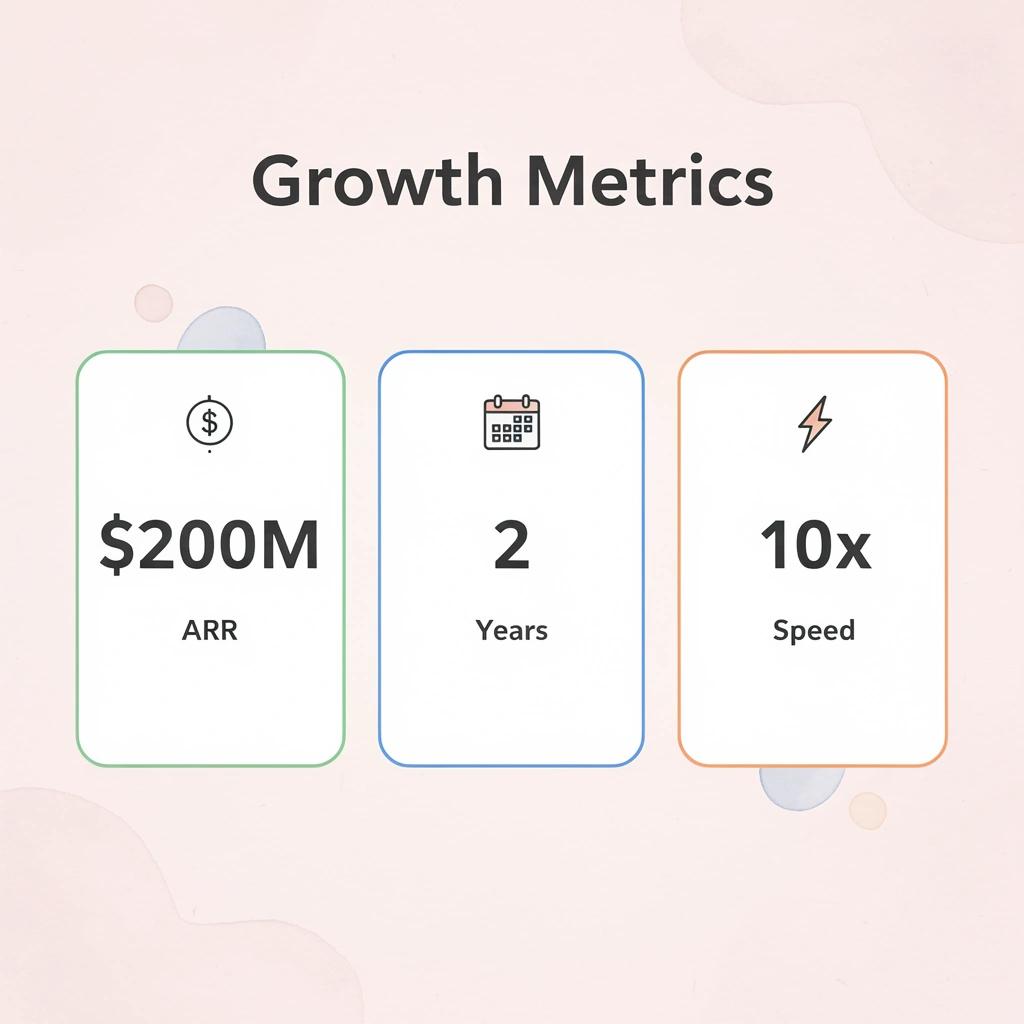
According to Experimenting With Growth, Cursor reached $200M ARR in two years. That trajectory signals a shift in how developers expect to work. When a tool makes the old workflow feel slow, switching becomes inevitable.

"Cursor reached $200M ARR in two years. That trajectory signals a shift in how developers expect to work." — Experimenting With Growth
🔑 Takeaway: $200M ARR in two years isn't just impressive growth—it's proof that developers will rapidly abandon traditional workflows when AI-powered alternatives deliver exponentially faster results.
What barriers did traditional coding create?
Building software once required deep technical knowledge: knowing how to write code, use libraries, frameworks, and patterns before creating anything that worked. That knowledge barrier kept many people from starting.
How does Cursor lower the technical threshold?
Cursor lowers that threshold by acting as a collaborator inside your editor, filling gaps in understanding as you work. You don't need to memorize APIs or recall exact syntax; the tool surfaces what you need when you need it.
Who benefits from this reduced barrier to entry?
This shift opens the building to more people. Founders who understand their market but lack coding depth can prototype faster. Designers can implement interactions without waiting for engineering support. Our platform doesn't replace expertise; it reduces the upfront knowledge required to get started.
How does faster building change development decisions?
When building takes weeks, you commit to one direction. The time investment locks you in, making testing multiple approaches feel like a waste of time.
Faster building changes the math. When prototyping drops from weeks to days, testing more ideas becomes practical. You can explore different architectures, try alternative user flows, or validate assumptions without the same time penalty. The cost of being wrong decreases, so experimentation increases.
Why does experimentation matter for product success?
That matters for product development. LinkedIn post by Christopher Lochhead, citing WSJ, notes that Cursor spent almost no money on external marketing in 2024. The product spread through developers who tried it, found it faster, and shared it with others.
But speed in one part of the stack doesn't solve the full problem. Building faster helps only if you're building the right thing, deploying it properly, and reaching users who need it. Tools like Polsia handle planning, development, and positioning rather than requiring founders to manually connect those pieces.
The question isn't whether Cursor makes coding faster—it does. The question is whether that speed translates into products that launch, reach users, and survive contact with the market.
The Real Gap Building vs Launching
Cursor AI speeds up code generation and bug fixes, but once the code exists, a different set of problems takes over: none involving typing speed.

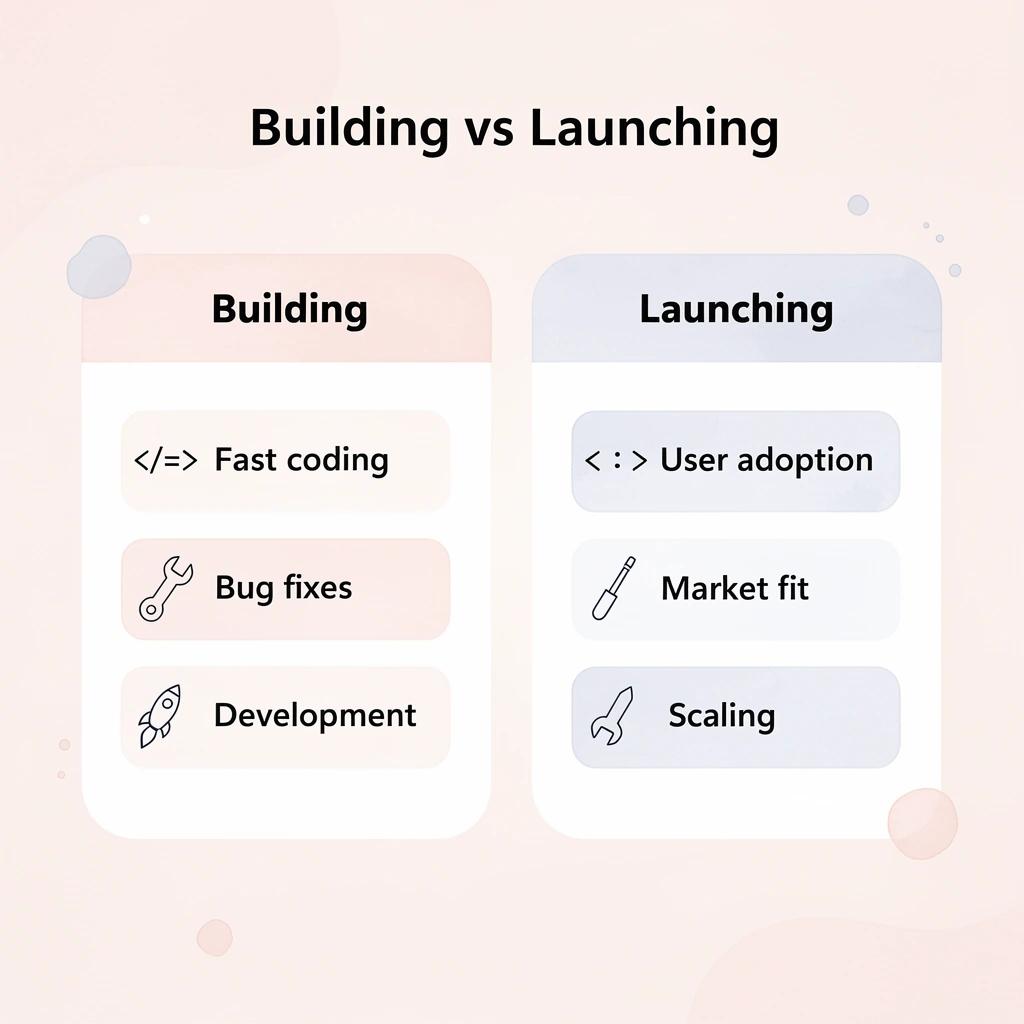
- Building phase
- Fast code generation
- Quick bug fixes
- Typing efficiency matters
- Focus: Speed of development
- Launching phase
- Code speed becomes less relevant
- New, non-coding challenges emerge
- Business and operational issues dominate
- Focus: Real-world execution
🔑 Key Takeaway: The transition from building to launching reveals that coding speed becomes secondary to execution challenges such as user adoption, market fit, and scaling.
"The real bottleneck shifts from how fast you can write code to how effectively you can solve actual user problems." — Development Reality Check
What happens when you still need product direction?
You still need product direction. What exactly are you building, for whom, and why would they use it instead of alternatives? Without that clarity, even a functional product misses the mark. The code worked perfectly. The product didn't.
How do deployment and infrastructure challenges emerge?
Then comes deployment and infrastructure. Getting an app live involves making hosting decisions, configuring databases, managing environments, and monitoring reliability. According to Realtor.com Economic Research, over 11,500 BTR units were delivered in Q2 2025, yet many real estate tech platforms struggle with operational complexity at scale. The issue isn't incomplete code but poorly configured systems. This is where many projects stall.
Why doesn't building guarantee success?
Building something doesn't guarantee users. You need distribution: content, paid acquisition, or outbound efforts. One founder spent 147 prompts trying to get AI tools to generate the right marketing approach, only to realize the problem wasn't output quality.
They hadn't defined their target audience or the primary pain point. Without distribution clarity, the product sits unused regardless of build speed.
What happens when users actually arrive?
Once users arrive, operations take over: onboarding flows, support requests, payments, and consistency. These aren't coding problems; they're operational ones, and faster code generation doesn't address them.
While tools like Cursor compress development time, they don't bridge the gap between building and launching. Autonomous systems, such as a web app development company, handle planning, development, deployment, and market positioning as an integrated process, rather than requiring founders to manually connect those pieces after code compiles.
But knowing the gap exists doesn't explain how to cross it.
Related Reading
- Softr Alternatives
- Vs Code Alternatives
- Replit Alternatives
- Ai Tools For Product Managers
- Mobile App Ideas
- Appsheet Alternatives
What Actually Turns Code Into a Product
Writing code is only one step. What turns that code into something real is everything that happens around it.

🎯 Key Point: Code without context is just technical debt waiting to happen.
Start with clear positioning and idea validation. You need to know who the product is for and what problem it solves. Without that, even well-built features won't gain traction because they're not tied to a real need.
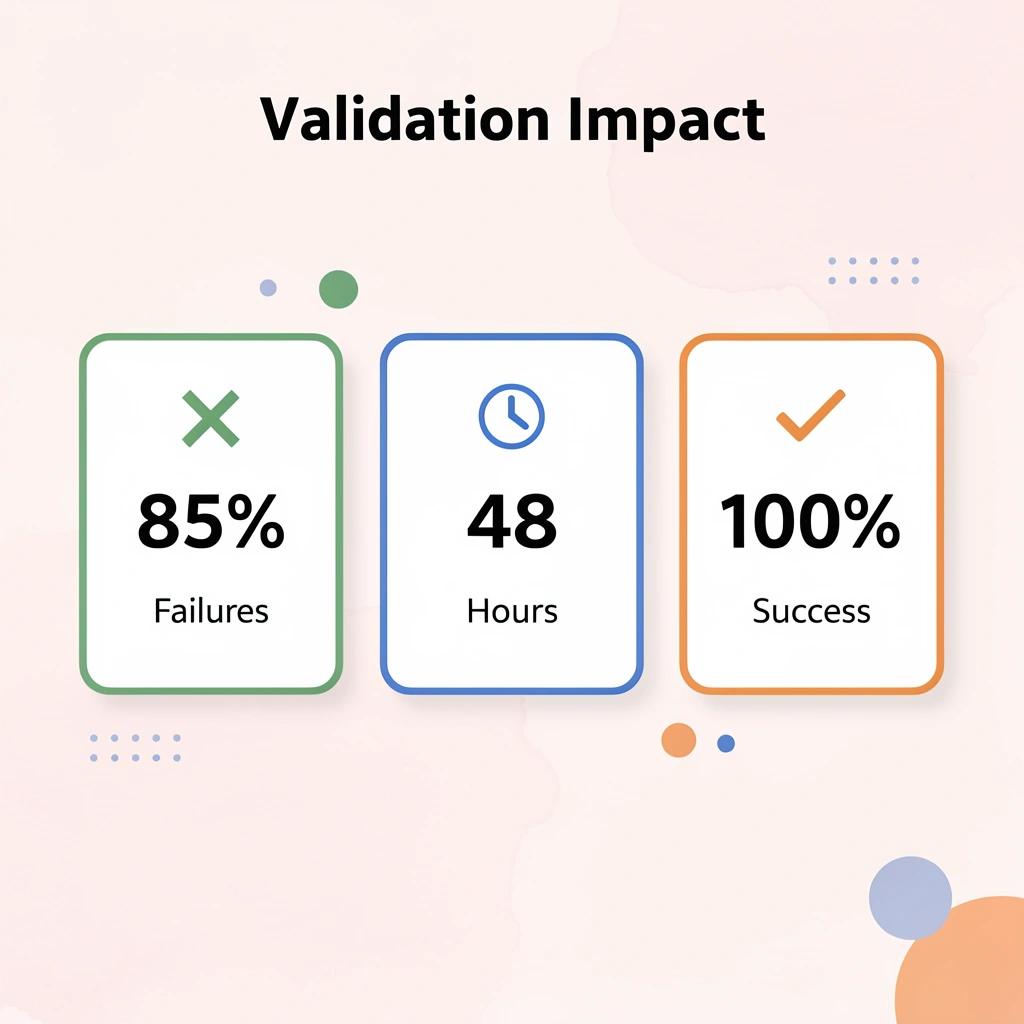
"85% of product failures stem from poor market validation, not technical execution." — CB Insights Product Research, 2023
Then comes launch capability. You need working infrastructure, onboarding, and a usable experience to get what you've built live quickly. A product that isn't accessible might as well not exist.
💡 Tip: The fastest way to validate your code's real value is getting it in front of actual users within 48 hours of completion.
The Iteration System That Drives Progress
Progress happens through iteration after you launch. Successful startups build, measure user feedback, and make changes repeatedly—that loop transforms an early version into something people want. According to GitClear research, AI-generated code shows a 41% increase in code churn, indicating more changes and revisions over time. Generating code quickly doesn't eliminate the need to review, improve, and rebuild it based on actual user behavior.
You also need systems for marketing and operations. Getting users requires sharing your product through content, ads, or outreach. Keeping them requires support, communication, and reliability. These are integral to the product experience, not extras.
Where do most founders actually struggle with execution
Many founders skip validating market demand and neglect go-to-market planning. They build features without confirming anyone needs them, then wonder why adoption stalls. The technical product works, but the surrounding system doesn't exist: no clear path to users, no operational foundation, and no feedback loop to guide future development.
What happens when execution pieces connect properly
When these pieces connect, the difference is clear. You are no longer shipping code; you are launching, learning, and improving. The bottleneck has shifted from whether you can build to whether you can execute across the full system.
But most tools treat building as the hard part, when execution is where products live or die.
How Polsia Solves the Execution Layer Around Building
Most tools stop at helping you write code. The bigger challenge is turning what you built into something people use.

Polsia handles the execution layer surrounding the building. It starts with planning: defining your product, target audience, the problem you solve, and your positioning. This clarity enables everything that follows.
🎯 Key Point: Polsia transforms your code into a market-ready product by handling everything beyond development.
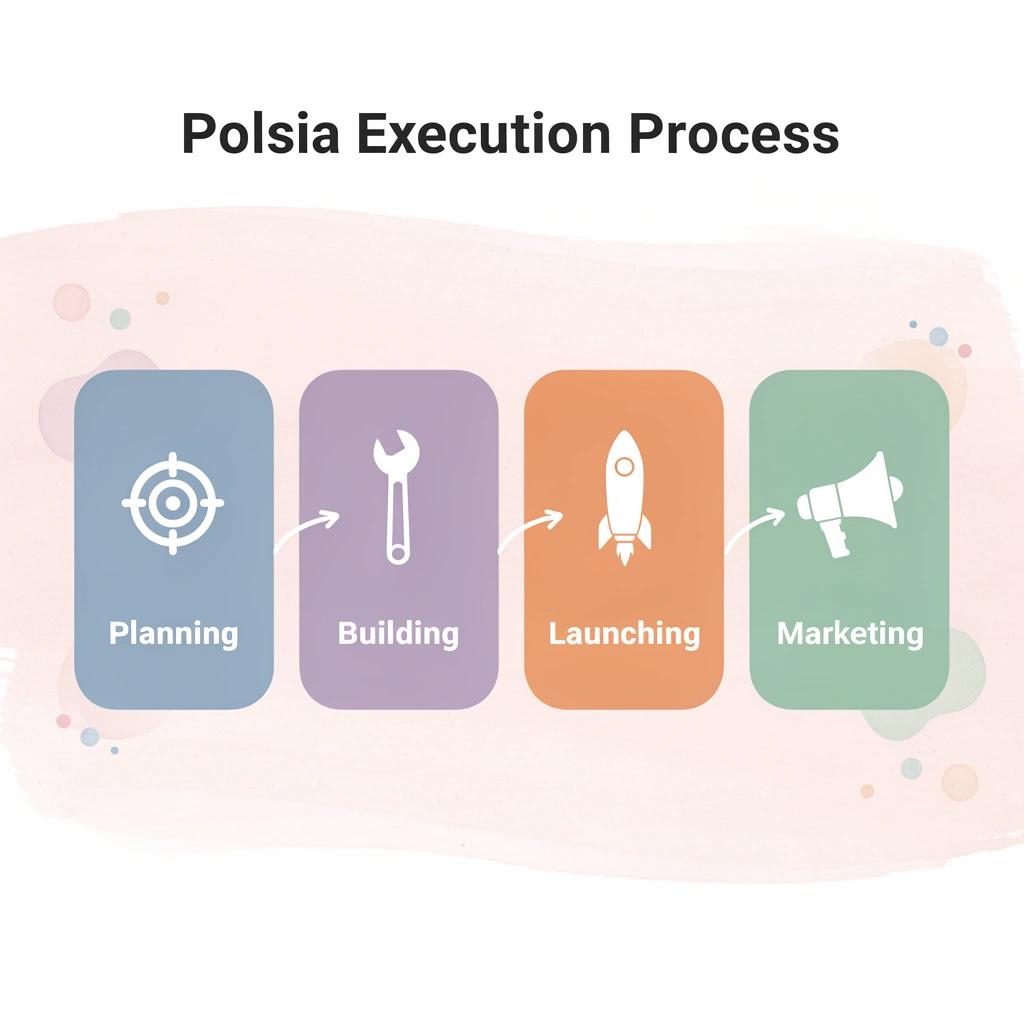
From there, it moves into building and launching. Your MVP goes live with the necessary structure in place, avoiding post-launch deployment scrambles. Marketing is built into the system: Polsia runs campaigns across channels to help you reach users from the start.
"The bigger challenge is turning what you built into something people actually use."
💡 Tip: Polsia's integrated approach means your product launch includes both technical readiness and market positioning from day one.

What happens when execution runs continuously
Operations run continuously: customer communication, support, infrastructure—keeping products running without constant manual effort. One developer spent eight years building an indie video game and its marketing campaign, only to watch their ad account shut down 30 seconds before launch. Years of pixel data, lookalike audiences, and behavioral insights disappeared instantly. The execution layer they'd spent months building collapsed, leaving them with no recourse.
Why does manual execution infrastructure create fragility?
That fragility exists because most execution infrastructure depends on manual assembly: you connect platforms yourself, manage campaigns individually, and risk failure at critical moments. Autonomous systems, like a web app development company, operate differently. Our integrated platform handles planning, development, deployment, and marketing as a unified, continuous process.
How does integrated execution change your workflow
This changes how you work. You can build features quickly with tools like Cursor, but without execution, that speed stalls. With Polsia, your idea is planned, launched, marketed, and operated as a connected system. Instead of stopping at "the product works," you move to "the product is live, used, and growing."
But knowing a system exists doesn't explain whether it fits the way you work.
Related Reading
- Hire an App Developer
- Ai App Builders
- Best Vibe Coding Tools
- How To Create An App
- Lovable Ai
- Best Mobile App Builder
- No Code Ai Tools
Start or Grow your Existing Business with Polsia Today
If Cursor helps you build faster, but you're unsure how to turn that into a real product, the next step is focusing on execution. Speed without direction means moving quickly toward the wrong outcome.

Start with Polsia and see your idea turned into a launched product with built-in marketing and operations. In your first session, you'll receive a clear product plan and launch path. Our system handles planning, deployment, and market positioning as a single connected process, rather than as separate tasks you manage independently.
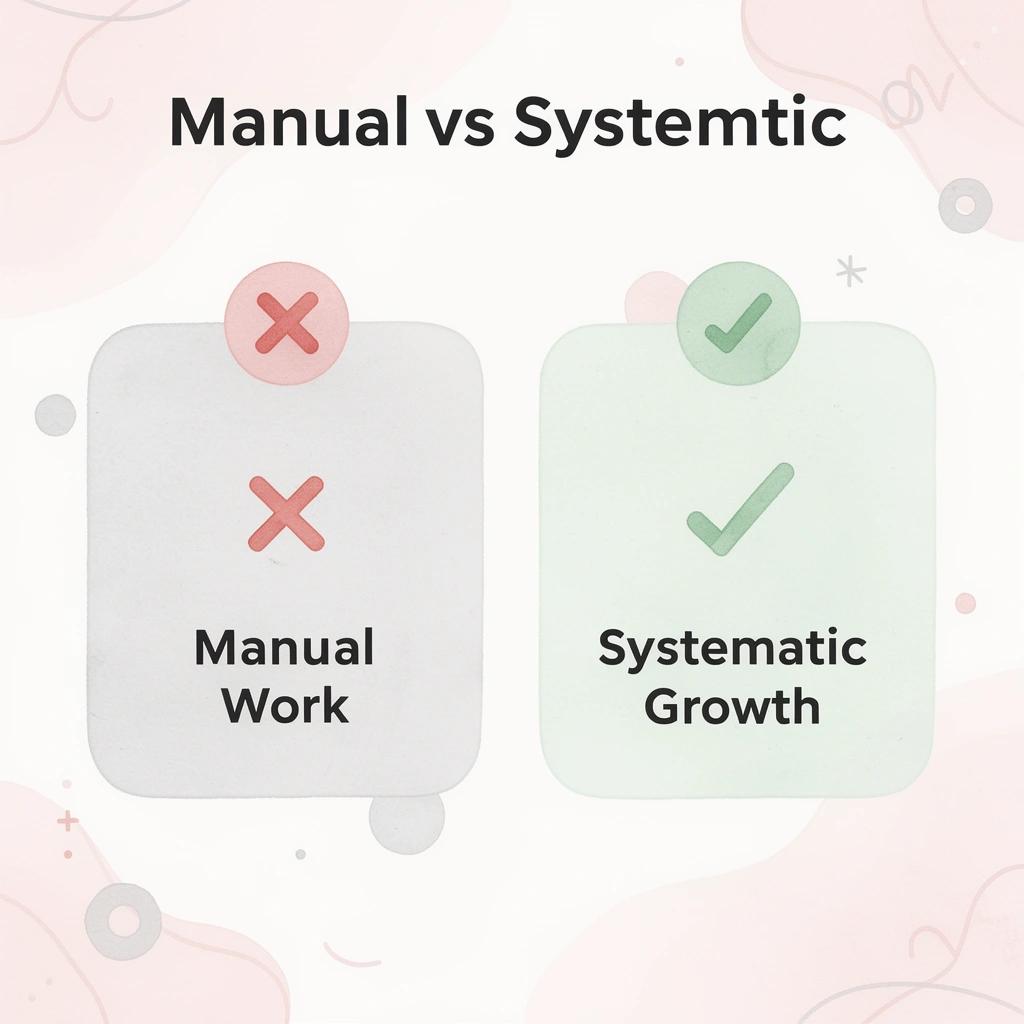
💡 Tip: Whether you're starting fresh or already operating, Polsia provides the execution infrastructure that transforms your efforts from manual work into systematic growth.
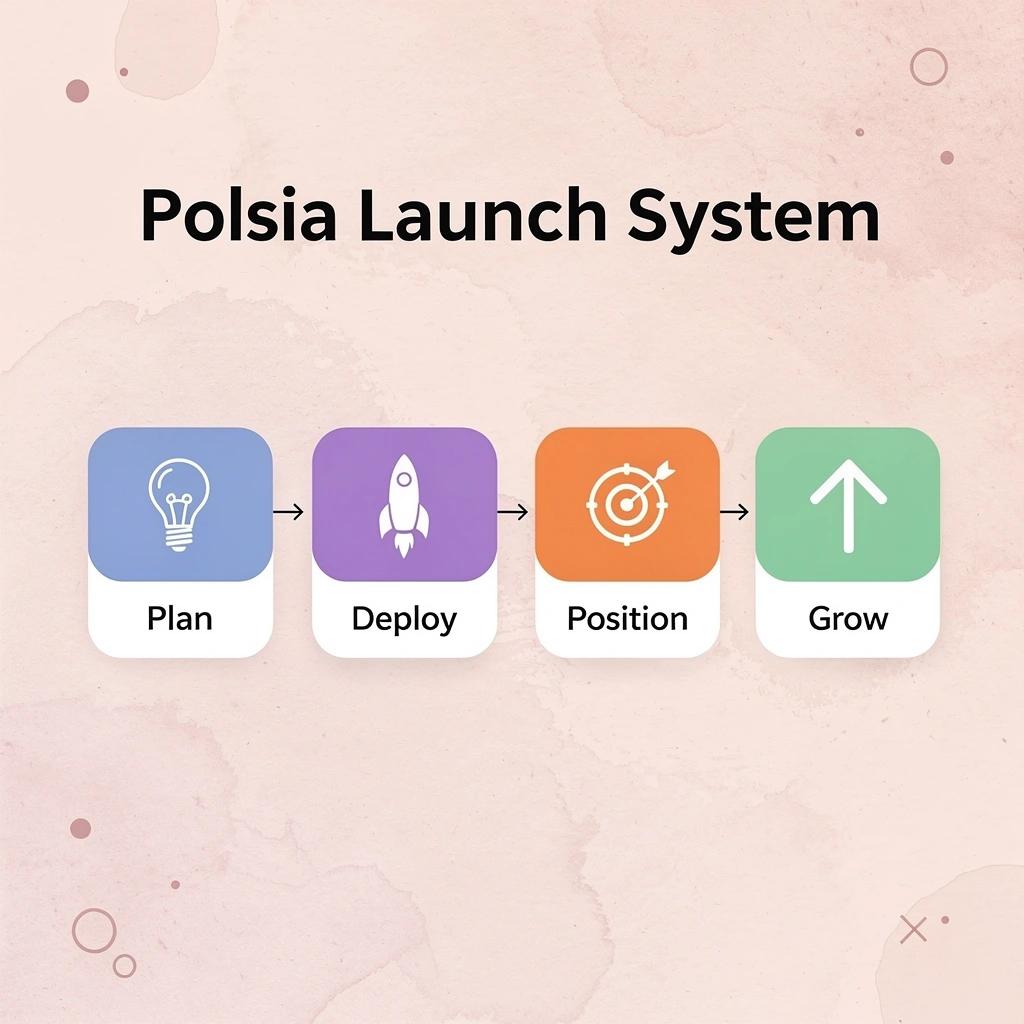
This matters whether you're starting fresh or already operating. If you're beginning, you skip months of trial and error connecting pieces that should work together from the start. If you're already running, you gain the execution infrastructure that transforms what you've built into something that grows consistently rather than requiring constant manual effort.
"Products that launch with execution built in don't stall after release. They reach users, gather feedback, and improve based on real usage rather than assumptions."
🎯 Key Point: Products that launch with execution built in don't stall after release. They reach users, gather feedback, and improve based on real usage rather than assumptions. That feedback loop separates projects that fade from ones that gain traction.