Cursor vs Windsurf: Which AI Coding Tool Wins?
AI coding assistants have revolutionized developer workflows, with Cursor and Windsurf emerging as leading contenders in the Vibe Coding, Cursor vs Windsurf landscape. Both tools offer intelligent code completion, AI chat capabilities, and seamless IDE integration, but they differ significantly in execution. Developers need a clear comparison of features, performance, pricing, and real-world usability to choose the right platform for their projects.
Selecting the optimal AI-powered coding tool requires understanding how each platform handles different development scenarios. Performance varies across languages, project sizes, and team configurations, making hands-on expertise crucial for evaluation. Partnering with an experienced web app development company ensures you select the coding assistant that best aligns with your technical requirements and workflow preferences.
Summary
- Cursor and Windsurf both accelerate code generation, but they demand fundamentally different workflows. Cursor requires you to specify file locations, review diffs function by function, and maintain architectural vision through explicit instructions at every decision point. Windsurf interprets broader intent and autonomously makes implementation decisions, reducing manual prompting and making architectural decisions without your explicit approval. The choice isn't about which tool codes faster; it's about whether you're optimizing for precision under constant oversight or velocity with autonomous execution.
- AI coding tools make mistakes one in four times, according to University of Waterloo research, which means the level of oversight you maintain matters more than raw generation speed. Both Cursor and Windsurf support context windows up to 200,000 tokens, but token limits don't solve the architectural memory problem. The AI can read your entire project without understanding how decisions made in one module should influence implementation choices elsewhere. You remain responsible for maintaining coherence across interconnected systems, whether through explicit prompts or post-generation cleanup.
- Most startups fail because there's no market need, not because they couldn't build the product. CB Insights found that 35% of startups fail for this reason, yet most AI coding tools only accelerate the development phase. You still need to validate demand, position your product, acquire users, and coordinate ongoing operations. Faster code generation means nothing if no one discovers what you built, understands it, or trusts it enough to switch from their current solution.
- Context retention varies by tool. Cursor loses context after several iterations on complex codebases, forgetting architectural decisions it helped establish earlier and suggesting conflicting patterns across modules. Windsurf compounds small misalignments over time because it infers more and asks less, generating clean implementations in isolation that refuse to integrate cleanly. Both failures surface during scaling, not during initial feature development.
- Cursor generated $100 million in revenue in 2024, while Windsurf reached $40 million in ARR by February 2025, reflecting real adoption among developers with diverse priorities. The Cursor attracts teams that want to guide every decision and maintain architectural coherence across complex projects. Windsurf appeals to solo developers and small teams building MVPs where shipping fast matters more than perfect consistency. Neither revenue figure indicates which tool fits your workflow, only that both serve distinct use cases with meaningful traction.
- A web app development company like Polsia addresses the execution gap by maintaining strategic context across planning, development, and marketing without requiring you to translate business strategy into technical prompts at every decision point.
Why “All AI Coding Tools Are the Same” Is Wrong
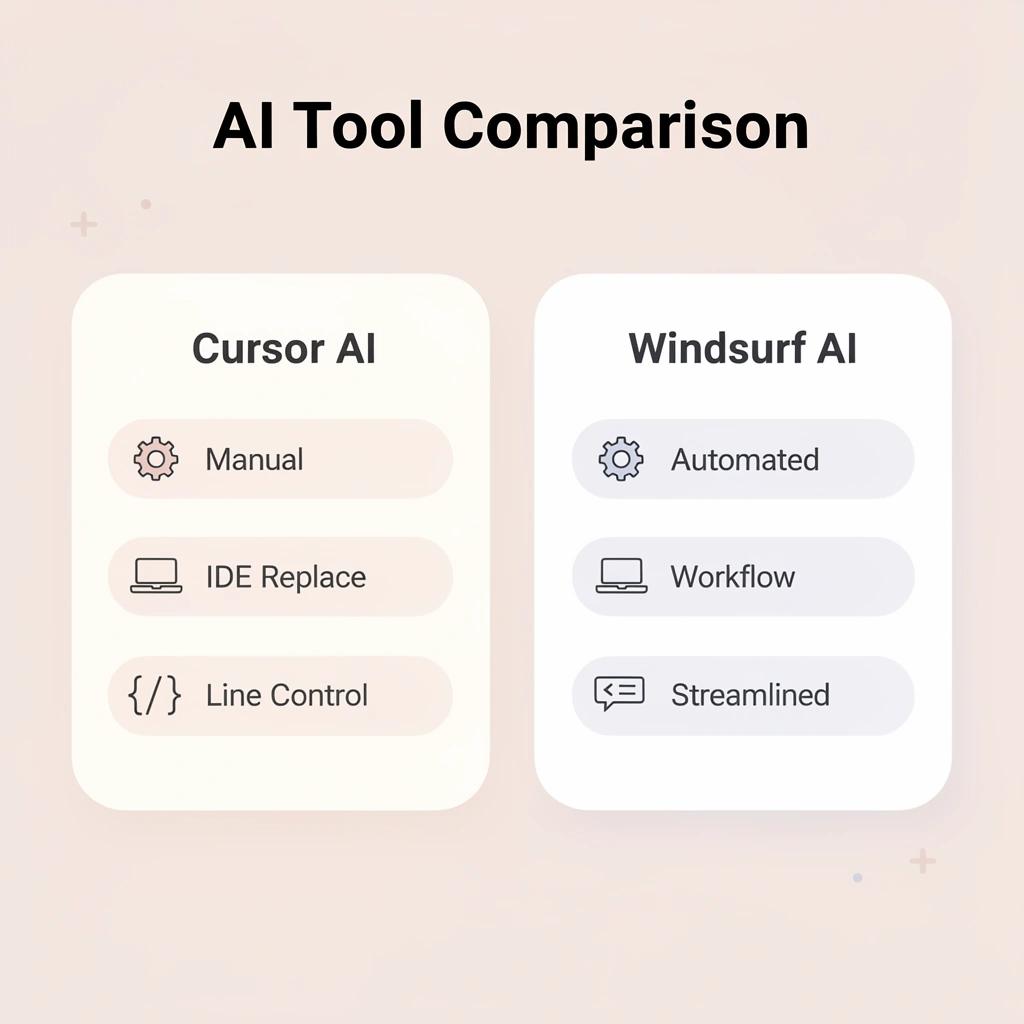
They're not. Surface similarity hides architectural choices that reshape your development process. Cursor AI functions as a complete IDE replacement with deep integration into the codebase, giving you detailed control over every generated line. Windsurf AI prioritizes automation and reduced friction, handling more decisions for you with less manual intervention.

🎯 Key Point: The fundamental difference lies in control vs automation - Cursor AI prioritizes developer control while Windsurf AI emphasizes seamless automation.
"Understanding the architectural differences between AI coding tools is crucial for selecting the right development environment for your workflow." — Development Best Practices, 2024
- Control level
- Cursor AI: High manual control
- Windsurf AI: Automated decisions
- Integration
- Cursor AI: Complete IDE replacement
- Windsurf AI: Friction-reduced workflow
- Code generation
- Cursor AI: Line-by-line control
- Windsurf AI: Streamlined automation
⚠️ Warning: Choosing the wrong AI coding tool architecture can significantly impact your development velocity and code quality standards.
What changes when you switch tools
Your prompting style shifts immediately. Cursor expects you to guide refactoring decisions, specify file locations, and review diffs before accepting changes. Windsurf interprets broader intent and makes implementation choices independently. One tool requires constant steering; the other assumes direction and moves forward.
How does the code review process transform?
The code review process changes, too. Environments that focus on precision show exactly what changed at the function level. Tools that prioritize automation present finished code and trust that problems will surface during testing rather than during creation. They require different workflows and skills from your team.
Why does oversight matter more than speed?
Research from the University of Waterloo found that top AI coding tools make mistakes one out of every four times. If your tool assumes it can work independently but produces errors at that rate, you're debugging instead of building. How closely you monitor and verify the tool matters more than how fast it generates code.
Why workflow fit matters more than features
The wrong tool creates resistance at every decision point. You'll spend cognitive energy translating what you want into the tool's expected format, reviewing output that doesn't match your standards, and manually correcting assumptions the tool made without asking. That overhead accumulates faster than most founders expect.
Choosing based on how you work determines whether AI coding speeds you up or becomes another layer of complexity to manage. Once you understand what each tool is under the surface, that choice becomes clearer.
Related Reading
What Cursor AI Actually Is
Cursor is a fork of Visual Studio Code with AI capabilities built directly into the editor. Rather than adding AI through plugins, Cursor rebuilds the development environment around continuous AI collaboration.

🎯 Key Point: Unlike traditional code editors that treat AI as an add-on feature, Cursor makes AI collaboration the core foundation of the development experience.
"Cursor rebuilds the development environment around continuous AI collaboration rather than simply adding AI features to existing workflows." — Development Philosophy, 2024
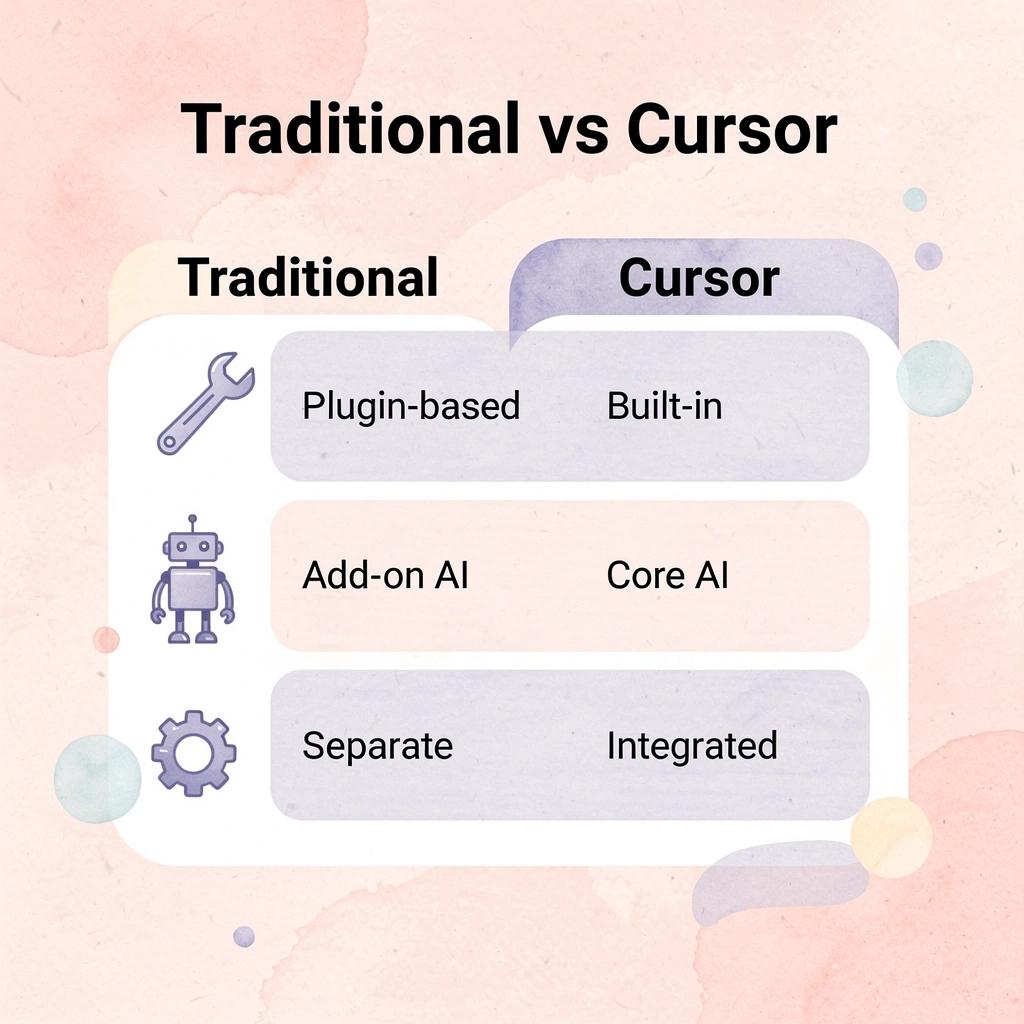
💡 Tip: Think of Cursor as a reimagined VS Code where AI assistance isn't just available—it's seamlessly integrated into every aspect of your coding workflow.
How does Cursor understand your entire codebase?
It reads your entire project structure, understands how files connect to each other, and lets you create or change code without leaving the editor. The AI is built into the interface, not a separate tool.
What makes developers pay for Cursor's AI integration?
According to TapTwice Digital, Cursor made $100 million in revenue in 2024, demonstrating developer demand for stronger AI tools. This reflects a specific value proposition: precision and control over AI-generated code. Cursor attracts developers who want to guide every decision, review every change, and maintain architectural coherence across complex projects.
How does Cursor build context from your codebase?
Cursor's main strength is how it processes your codebase. It scans files, indexes symbols, and builds context maps that let you reference functions, classes, or modules by name during prompts. When you ask it to refactor a component, it knows where that component lives, what imports it depends on, and which other files reference it.
This reduces friction compared to manually jumping between files or copying code snippets into a chat interface.
What happens when projects grow too complex?
The limitation emerges with larger, more complex projects. Many developers find that Cursor loses track of information after a few attempts on larger codebases, forgetting earlier decisions or architectural patterns it helped establish.
You'll create clean code for separate features, then watch the AI suggest conflicting patterns two modules later because it can't maintain a view of the whole project.
Who Cursor fits
Cursor works best for developers who know what they're building and need to move quickly on clearly defined tasks. You provide the design plan, work breakdown, and code review.
How does Cursor accelerate development workflows?
Cursor speeds up code building by creating boilerplate, fixing repetitive patterns, and suggesting completions that match your style, provided you stay involved, pay attention, and correct the AI when it goes off track.
It struggles to maintain consistency across multi-part projects without constant oversight. Step away or grant the AI too much autonomy, and you'll return to functional code that diverges from your original intent. Cursor enhances your decision-making but cannot replace it.
What are the limitations of constant oversight workflows?
Most AI coding tools require you to direct every decision, review every output, and maintain the architectural vision yourself. That's helpful when you want precision, but it's not the same as having a system that can plan, execute, and iterate independently. The question isn't whether Cursor makes you faster—it's whether faster execution under constant oversight is the workflow you need.
What Windsurf Actually Is
Windsurf positions itself as an AI layer that enhances your existing development environment rather than replacing it. Unlike Cursor's fork of VS Code, Windsurf works with the editor you already use, speeding up common tasks without forcing you to change your workflow. The tool focuses on automatic context understanding and reduced manual prompting, so you spend less time configuring the AI and more time accepting or adjusting its output.

🎯 Key Point: Windsurf integrates with your current workflow instead of requiring a complete editor switch like other AI coding tools.
"Windsurf works with the editor you already use, speeding up common tasks without forcing you to change how you work." — Windsurf positioning strategy
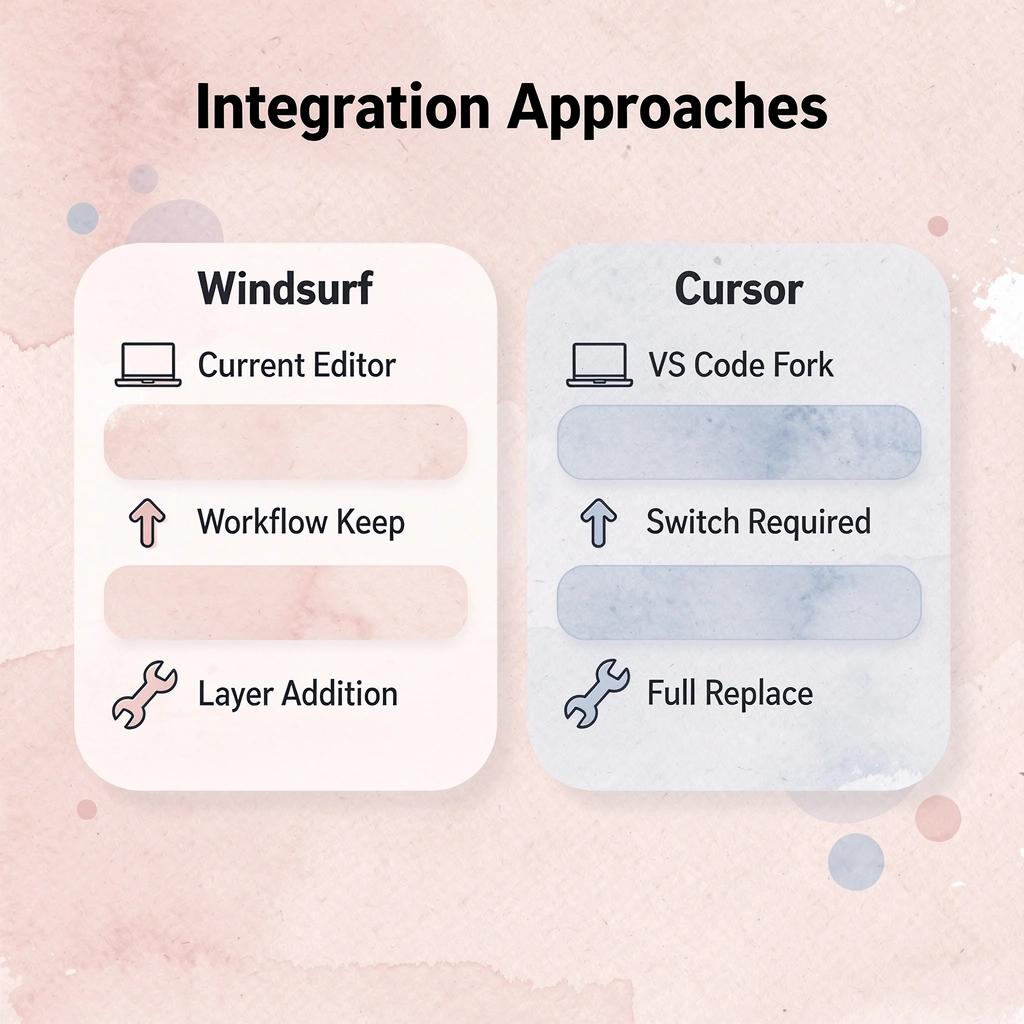
💡 Tip: The automatic context understanding means you can focus on code creation rather than spending time on AI setup and prompt engineering.
How does Windsurf's autonomous approach work?
Windsurf analyzes your codebase's structure, identifies patterns, and autonomously makes implementation choices. You provide high-level intent (e.g., refactor this module, add authentication, optimize this query), and the tool determines file locations, function signatures, and dependency updates without prompting for confirmation at each step. This workflow assumes trust in the AI's judgment, which succeeds when generated code matches your architecture but creates friction when it doesn't.
What does market adoption tell us about developer preferences?
According to Sacra, Windsurf reached $40M in ARR in February 2025, demonstrating strong early adoption among developers who prioritize speed over precision control. This signals demand for tools that reduce cognitive overhead, particularly among solo developers or small teams building MVPs where shipping speed outweighs architectural consistency.
When does autonomous automation become problematic?
The tradeoff emerges as projects grow more complex. Windsurf's independent approach works well for separate features but struggles to maintain consistency across connected systems. It might create a clean authentication flow in one sprint, then suggest a conflicting state management pattern two weeks later because it lacks memory of long-term architectural decisions. You're trading careful oversight for speed, which affects your project differently depending on whether you're building a prototype or scaling production infrastructure.
Who benefits most from Windsurf?
Windsurf works well for developers who want to move fast without dealing with complicated AI interactions. If you're building a side project, testing an idea, or working in a field where speed to market matters more than perfect code, the simpler process becomes a genuine benefit.
What happens when AI autonomy scales beyond simple projects?
You're describing outcomes and letting the tool handle implementation details, which feels freeing until you need to debug something the AI generated three iterations ago without your direct oversight.
Platforms like Polsia operate autonomously across planning, development, and marketing without requiring constant human direction. Most AI coding tools still assume you'll review every output and course-correct when the AI drifts, but as projects scale beyond a few modules, that oversight becomes a bottleneck.
The real question isn't whether Windsurf reduces friction in the moment: it's whether reduced friction now creates technical debt you'll spend weeks untangling later when the AI's independent decisions no longer align with your evolving architecture.
Why don't feature comparisons reveal workflow fit?
But knowing what each tool does doesn't tell you which one suits your workflow, since the differences that matter most aren't shown in feature comparisons.
Cursor vs Windsurf Key Differences That Matter
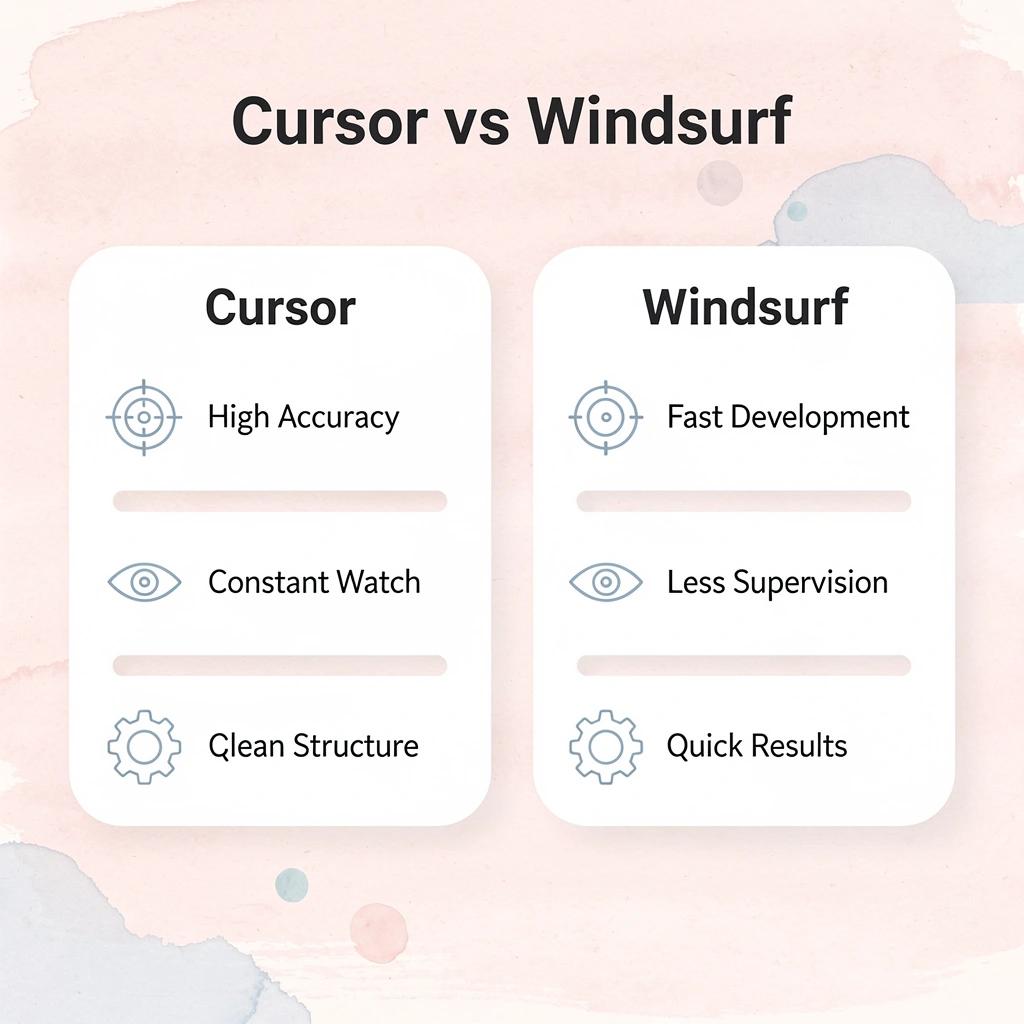
The difference between these tools isn't about which one writes code faster. Cursor offers accuracy but requires close monitoring, while Windsurf enables faster work at the potential cost of code organization over time.

- Primary strength
- Cursor: High accuracy
- Windsurf: Fast development
- Monitoring required
- Cursor: Constant oversight
- Windsurf: Less supervision
- Code organization
- Cursor: Maintains structure
- Windsurf: Potential organization issues
- Best for
- Cursor: Precision-focused projects
- Windsurf: Rapid prototyping
🎯 Key Point: Choose Cursor when accuracy is your top priority, and you have time for active supervision. Choose Windsurf when you need rapid development and can tolerate some trade-offs in organization.
"The real question isn't which AI codes faster, but which one fits your development workflow and quality standards." — Developer Experience Research, 2024
🔑 Takeaway: Both tools excel in different scenarios. Cursor's accuracy makes it ideal for production code, while Windsurf's speed shines in prototyping and rapid iteration phases.

Control versus inference
Cursor expects you to be clear about what you want: specify which files to change, what patterns to use, and where to put new functions. The AI creates code based on your instructions, not guesses.
That accuracy prevents derailment, but you retain control of what the AI does on every job: reviewing changes, approving updates one function at a time, and maintaining your overall plan.
How does Windsurf's inference approach differ?
Windsurf understands what you want and fills in the details itself. You describe what you need (e.g., add user authentication, optimize database queries), and the tool decides on the file structure, dependency updates, and code placement without asking for permission.
That reduces cognitive load when moving fast, but the AI makes organizational choices you didn't directly approve. The tradeoff becomes clear when reviewing code from three sprints ago and finding patterns that conflict with decisions the AI made last week.
Context retention under pressure
The cursor loses context after several iterations on complex codebases, forgetting architectural decisions it helped establish earlier. You'll generate clean implementations for isolated features, then watch it suggest conflicting patterns two modules later because it cannot hold the full project structure simultaneously. The tool performs brilliantly within narrow scopes but falters when maintaining consistency across interconnected systems.
How does Windsurf's context retention differ?
Windsurf's context issues manifest in different ways. Because it figures things out more and asks fewer questions, it compounds small problems over time. Authentication logic might work perfectly in isolation, then conflict with state management patterns added three features later. These conflicts surface during integration, when two independently generated modules don't work together cleanly.
Workflow friction points
The real cost of each tool lies in thinking overhead. With Cursor, you turn your ideas into clear instructions, check the generated code, and fix things when the AI goes off track. This works fine on small projects, but gets tiring when coordinating multiple modules, handling dependencies, and shipping quickly.
How do token limits affect project coherence?
According to MindStudio Blog's comparison of Cursor vs Windsurf, both tools support context windows up to 200,000 tokens. However, token limits don't solve the architectural memory problem: the AI can read your entire project without understanding how decisions in module A should influence implementation in module C. You're still maintaining coherence through explicit prompts or cleanup after generation.
What happens when complexity scales beyond oversight?
Platforms like Polsia maintain important context across planning, development, and marketing without requiring you to re-explain your architectural vision at each decision point. Most AI coding tools assume constant oversight, which becomes problematic as projects grow in scale and complexity.
The choice isn't about which tool makes you faster now, but which type of friction you can handle as things get more complicated.
Which One Should You Choose?
Pick Cursor if you need control. It gives you precision, lets you review every change, and keeps you close to the code. Choose this when building something complex, when architectural consistency matters, or when you cannot afford to debug autonomous decisions later.
🎯 Key Point: Cursor prioritizes developer control and code review, while Windsurf prioritizes speed and autonomous development.
Pick Windsurf if you need velocity. It automates more of the process and helps you ship faster without managing every detail. Choose this when validating an idea, building a prototype, or when speed to market matters more than perfect code elegance.
"The choice between control and velocity often determines whether you're optimizing for long-term maintainability or rapid iteration."

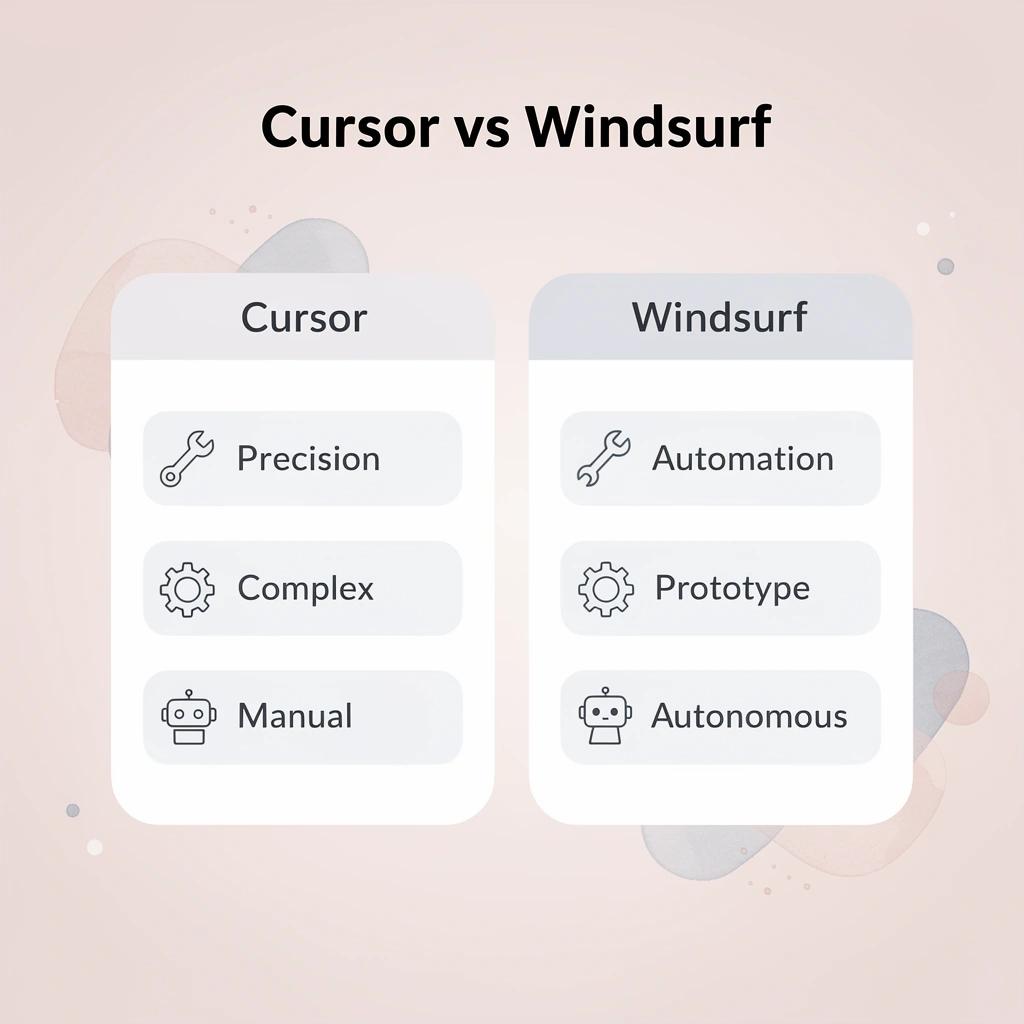
- Control level
- Cursor: High precision
- Windsurf: Autonomous
- Best for
- Cursor: Complex projects
- Windsurf: Rapid prototyping
- Code review
- Cursor: Manual oversight
- Windsurf: Automated decisions
- Speed
- Cursor: Deliberate pace
- Windsurf: Fast iteration⚠️ Warning: Don't choose based on hype alone – your project requirements and team preferences should drive the decision, not the latest trends.
When precision costs more than it's worth
Cursor's detailed control becomes extra work when moving quickly. You'll expend mental energy picking file locations, reviewing changes incrementally, and explaining what you want to build through specific instructions at every step.
The tool works well when you know exactly what you're building and need fast execution on clear work. It struggles when you need the AI to make good choices about how to build things without constant oversight.
When does Windsurf's automation create the best workflow?
Windsurf's automation works well when you describe what you want, and the tool handles file structure, dependency updates, and code placement without requesting permission at each step. This streamlines testing ideas or building features independently.
The downside emerges when projects start connecting to each other. According to Glen Allsopp's analysis of 250 "best X software" SERPs, 169 ranked the company writing it first, revealing how tools prioritize their own features over what works best for your workflow.
The real question: which friction pattern causes fewer problems as your project grows?
The constraint that neither tool solves
Both tools require careful oversight: checking their work, fixing mistakes, and ensuring everything functions smoothly. This oversight becomes problematic when working with multiple parts, managing their connections, and shipping quickly.
Why does AI coding assistance still create friction?
AI speeds up execution, but it doesn't replace your decision-making or track the big picture across planning, building, and improvements.
Platforms like Polsia track context automatically. Most AI coding tools require you to translate your architectural vision into instructions at every decision point, but as projects grow more complex, this overhead recreates the friction you sought to eliminate with AI.
What problem are you actually trying to solve?
But knowing which tool fits your workflow doesn't mean either one solves the problem you hired AI to fix.
Related Reading
- Softr Alternatives
- Vs Code Alternatives
- Mobile App Ideas
- Ai Tools For Product Managers
- Appsheet Alternatives
- Replit Alternatives
The Bigger Insight Tools Don’t Solve the Whole Problem
Comparing tools like Cursor AI and Windsurf AI can feel like the main challenge is picking the right way to write code faster. Both tools speed up development, but they don't address what startups struggle with: deciding what to build, validating demand, launching effectively, and driving user adoption.
🎯 Key Point: The real startup challenge isn't coding speed—it's product-market fit and user adoption.

CB Insights research shows that 35% of startups fail because there's no market need, not because they couldn't build the product. The issue isn't how well you write code; it's building something people don't want.
"35% of startups fail because there's no market need, not because they couldn't build the product." — CB Insights Research
⚠️ Warning: Even the fastest coding tools can't save you from building the wrong product for the wrong market.
Why do products fail to reach users despite strong demand?
Even when people want what you built, getting them to use it is hard. You can make a polished product in half the time with AI help, but that speed doesn't matter if no one finds it, understands it, or trusts it enough to switch from their current solution. Most founders underestimate the work required to acquire customers, spending months building the product only to struggle to drive adoption.
What systems do founders need beyond just building?
You need a clear product direction, a way to launch and bring users on board, a system for acquiring and retaining customers, and ongoing operations to keep everything running. This is where most founders slow down: they build quickly, then stall when turning that build into a real business. The product exists, but it's not positioned, distributed, or operating as a business.
What tools actually solve
Tools make coding easier: they help you write functions faster, clean up code better, and make changes without retyping everything. But they don't remove the hard work of turning code into a product people use and pay for. They don't test whether your idea is good, help you explain what makes your product special, or figure out how to find your first hundred customers.
How do platforms differ from coding tools?
Platforms like Polsia track information across planning, development, and marketing without requiring you to translate business strategy into technical instructions at each step. Most AI coding tools assume you'll handle product direction, user acquisition, and operational coordination independently. This works for building a feature but breaks down when launching a business, where the AI addresses only one piece of a much larger puzzle.
Where do tools fit in a scalable workflow?
Understanding what tools don't solve shows where they fit in workflows that extend beyond the coding phase.
Where Polsia Fits in This Workflow
Most tools work inside the development layer, helping you write code faster. Polsia sits outside that layer, focusing on everything that turns a build into something real.
🎯 Key Point: While other tools focus on just coding, Polsia handles the complete product journey from concept to market success.
Instead of centering on code generation, Polsia handles the full spectrum: defining and validating your product, building and launching your MVP with structure, running marketing and distribution, and managing ongoing operations. This connects building to execution, maintaining momentum through launch and beyond.
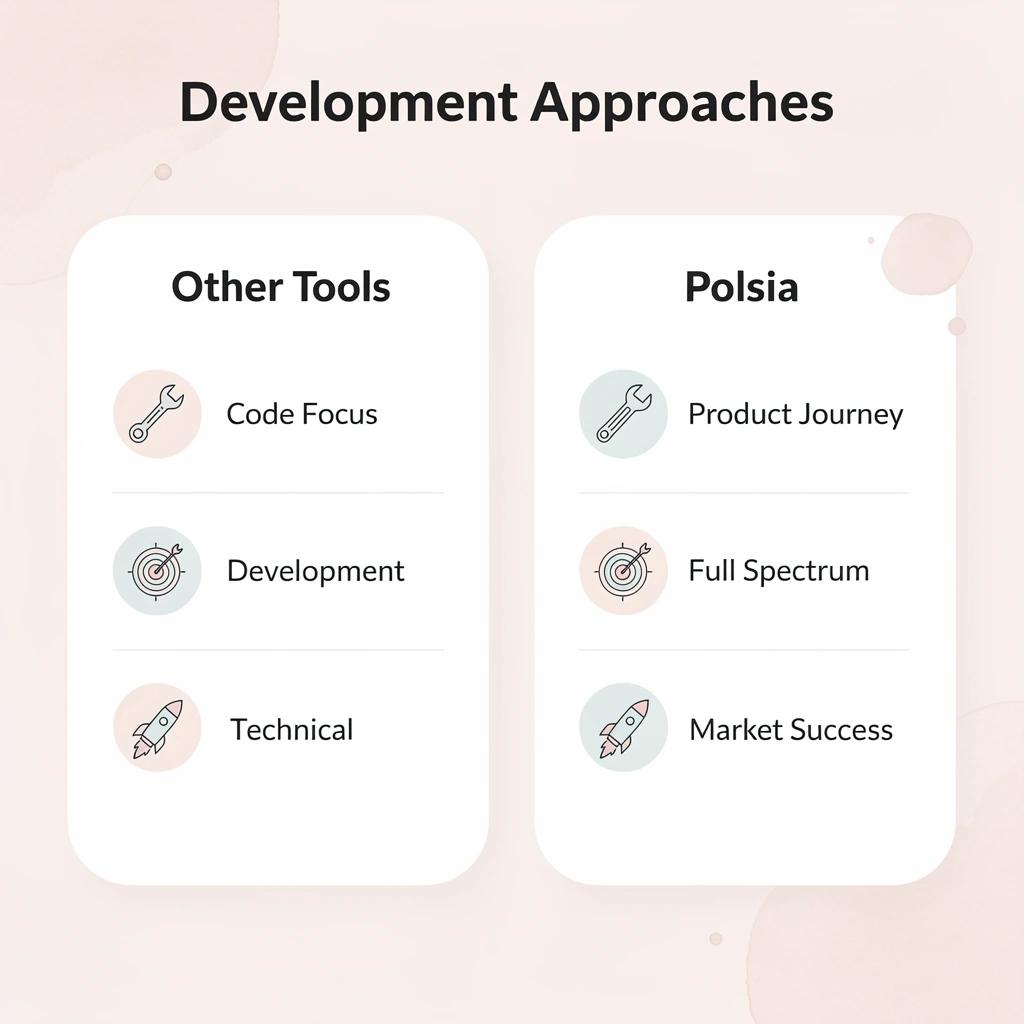
"Polsia transforms the traditional development approach by focusing on the complete product lifecycle, not just the coding phase." — Product Development Analysis, 2024
💡 Tip: Think of Polsia as your complete product partner that bridges the gap between technical development and market success.
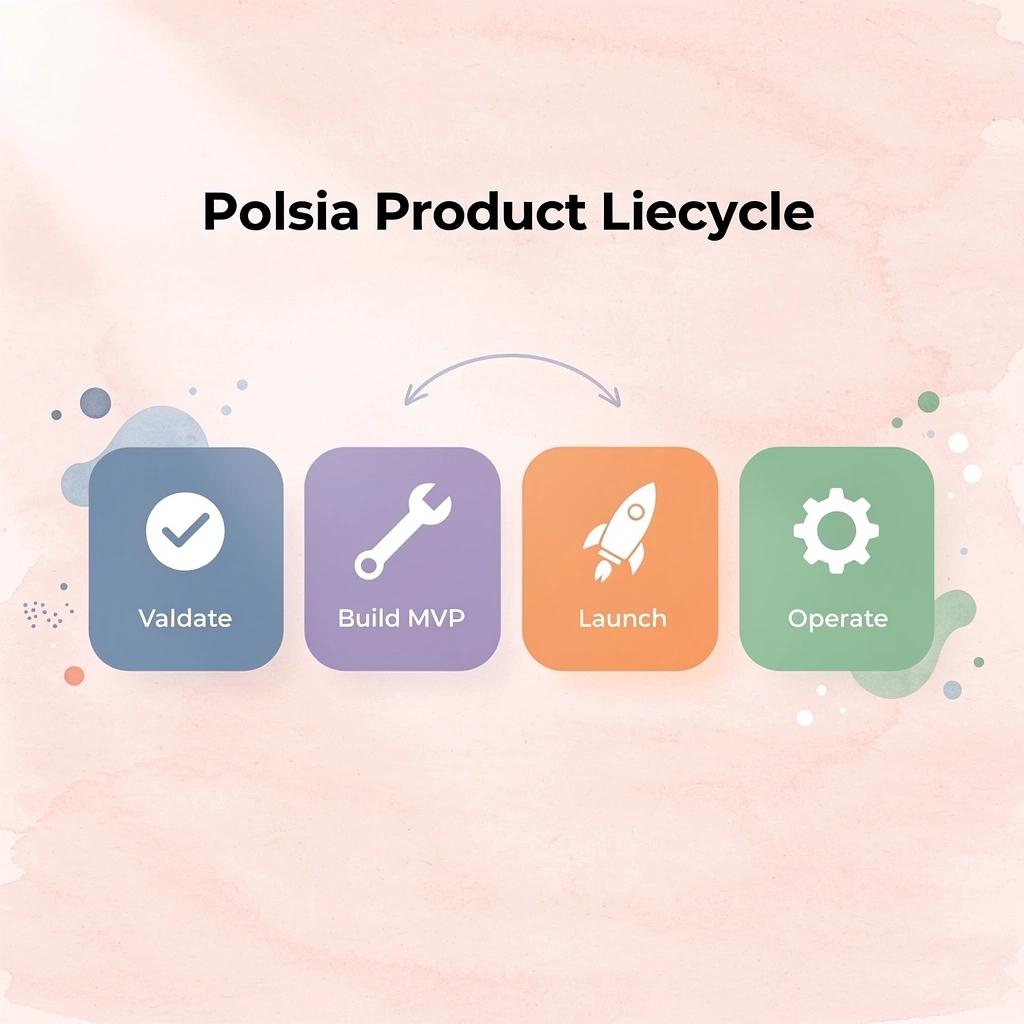
Why do most AI coding tools miss the bigger picture?
You can use Cursor or Windsurf to generate features quickly, but once those features exist, you still need to figure out how to launch, position, and grow the product. Developers spend months building side projects that go nowhere because they focus only on the product, not the go-to-market strategy. Distribution is where most people break down entirely.
What happens when you need more than just code generation?
After launch, you need a repeatable strategy for acquiring users rather than relying on viral launches. Validate the problem, messaging, and distribution before investing months in features nobody requested. Traditional AI coding tools assume you'll handle product direction, user acquisition, and operational coordination yourself—this works for building a feature but breaks down when launching a business, where the AI addresses only one piece of a much larger puzzle.
Where autonomous operation changes the workflow
Polsia works differently. It keeps important business information connected across planning, development, and marketing. You don't need to translate your business strategy into technical instructions for each decision. Most AI coding tools require you to verify every result, correct errors, and maintain the overall plan independently.
Polsia connects what you create into a live system that reaches users continuously.
What happens after the code is written?
The real bottleneck isn't writing code—it's what happens after. Teams report that the shift from "we built something" to "people are using it and paying for it" requires work most tools never address.
But knowing where a tool fits doesn't answer whether it's the right choice for your current needs.
Start or Grow your Existing Business with Polsia Today
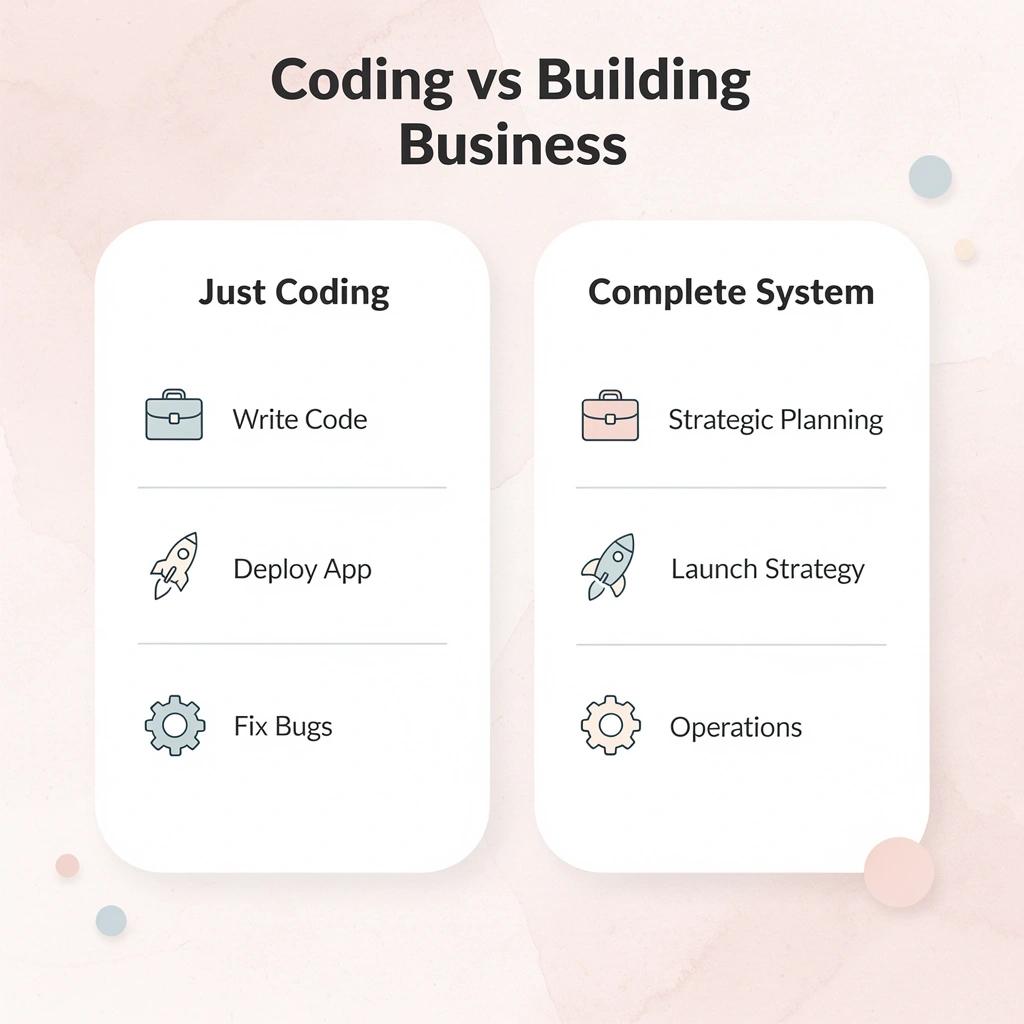
If you're comparing tools like Cursor and Windsurf, you're ready to build. Polsia ensures your idea becomes a complete system—planned, launched, and operated—not just code.

🎯 Key Point: The difference between coding and building a business is having a complete system that handles planning, launch strategy, and ongoing operations.
"Most developers can write code, but turning that code into a sustainable business requires systematic planning and execution." — Business Development Research, 2024
💡 Tip: Don't get stuck in the tool comparison trap—focus on building something that actually solves problems and generates revenue from day one.
Related Reading
- Best Vibe Coding Tools
- Ai App Builders
- Lovable Ai
- Hire an App Developer
- Best Mobile App Builder
- No Code Ai Tools
- How To Create An App