Best LLM for Coding: Top 10 Models for Developers & Founders

Developers wrestling with complex bugs at 2 AM know the frustration of inefficient coding workflows. AI coding assistants have revolutionized how software gets written, debugged, and shipped, but selecting the right large language model requires careful consideration. Understanding which AI models excel at code generation, debugging, and language support can save countless hours of development time. The best LLM for coding depends on the project's specific needs, team workflows, and integration requirements.
Modern development teams need AI tools that enhance productivity without disrupting established processes. Top-performing models like GPT-4, Claude, and GitHub Copilot each offer distinct advantages for different coding scenarios. Smart implementation of these AI solutions can automate repetitive tasks and accelerate product development cycles. For teams seeking to integrate advanced AI coding capabilities into their applications, partnering with an experienced web app development company ensures optimal tool selection and seamless implementation.
Summary
- Most coding LLMs achieve 80% correctness on controlled benchmarks like HumanEval, but that performance collapses to 25-34% when tested on real engineering tasks involving multi-file codebases and API integrations. Stanford and UC Berkeley researchers found a 50-point drop in 2024, revealing that isolated capability scores don't predict success on actual projects that require system understanding and iterative refinement.
- Nearly one in five AI-generated package references are hallucinated, meaning 19.7% of suggested libraries are invalid, outdated, or fabricated entirely, according to a 2024 analysis of hundreds of thousands of code samples. Security compounds this reliability crisis, as 45% of code generated by top-tier models contains known vulnerabilities even when the code compiles and runs.
- LLMs break down when tasks require more than 200 lines of code because they cannot coordinate how snippets fit into existing systems. The bottleneck is not generation speed but validation, integration, and iteration across sessions. Teams discover they spend more time fixing inconsistencies between outputs than creating new functionality, which stalls projects before reaching production.
- Context window size changes how developers work with large projects. Models that process entire codebases within a single context window allow developers to trace dependencies and identify bottlenecks across dozens of modules, rather than feeding isolated functions. This capability matters more for established products than greenfield projects, where understanding how pieces connect determines whether refactoring succeeds.
- Workflow design matters more than model choice in determining actual productivity. A developer using clear context and validation systems with a mid-tier model will outperform someone using the highest-ranked model with fragmented prompts and no testing infrastructure. Consistency beats peak performance because predictable outputs reduce rework and eliminate the need to re-establish context across sessions.
- Polsia's web app development company handles this by building autonomous systems that maintain project context, manage dependencies, and connect generation through deployment without requiring manual orchestration between steps.
Why “Best LLM For Coding” Is The Wrong Question
Asking which LLM is "best" for coding assumes the problem is the model. It's not. The real issues are how we use them, what context we provide, and whether we've built systems that turn outputs into working software. Switching models won't fix broken workflows, unclear requirements, or the gap between generated code and production-ready systems.

🎯 Key Point: The model choice is far less important than your implementation strategy and workflow design.
"The difference between successful and failed AI coding projects isn't the model selection — it's the process design and context management." — Development Best Practices, 2024
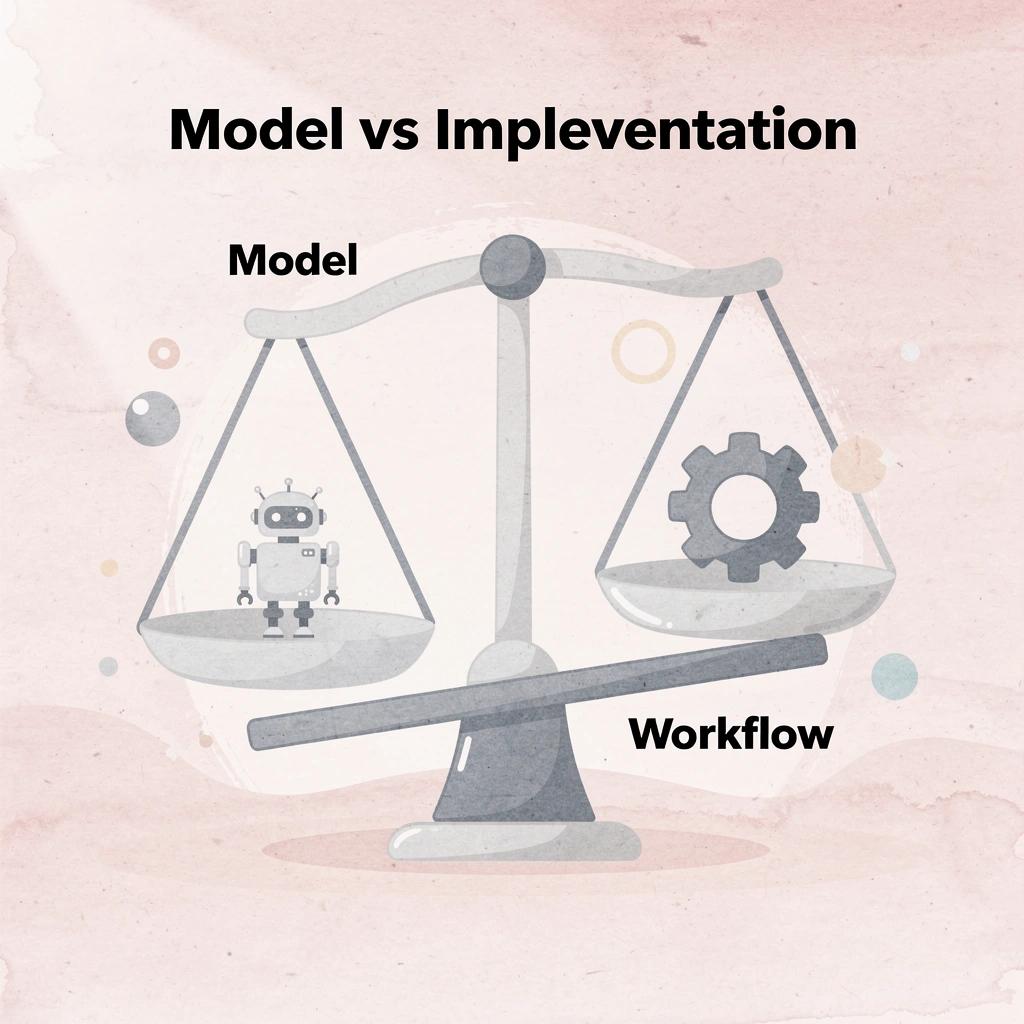
⚠️ Warning: Focusing on model comparison instead of workflow optimization leads to repeated disappointment and wasted development time.
Why do coding benchmarks fail to predict real performance?
Leaderboards rank models on controlled tasks such as HumanEval, where top performers achieve 80% or higher correctness. Real-world software development, however, differs fundamentally from curated test suites. When researchers from Stanford and UC Berkeley (2024) tested these same models on actual engineering tasks involving multi-file codebases, API integrations, and deployment constraints, performance dropped to 25-34% correctness.
That 50-point drop reveals missing context, insufficient system understanding, and the repeated improvements real projects require.
What context do benchmarks miss in practical coding?
Benchmarks measure isolated capability, not whether the AI understands your database schema, remembers decisions from earlier prompts, or knows which deprecated packages to avoid. A model can perform well on a coding test and still suggest an authentication flow that breaks your compliance requirements.
What is the hallucination tax in AI coding?
A 2024 study examining hundreds of thousands of AI-generated code samples found that 19.7% of package references were invalid, outdated, or fabricated—nearly one in five suggested libraries. This isn't an isolated problem but a reliability crisis built into every suggestion.
How do security vulnerabilities compound the problem?
Security compounds this problem. Researchers tested over 100 leading AI models on coding tasks and found that 45% of the generated code contained known vulnerabilities, even from top-performing systems. The code functioned correctly, but wasn't safe for production use. Hallucination rates across different tasks exceed 50% depending on task complexity, according to 2024 and 2025 studies. As models improve at conveying confidence, detecting errors becomes harder.
What founders actually spend time on
The bottleneck isn't generation speed. It's validation, integration, and iteration. You prompt the model, review the output, test it against your existing codebase, fix inconsistencies, and handle edge cases it missed. Most of that cycle happens outside the model. A faster, smarter LLM doesn't eliminate those steps; it just gives you more output to validate.
Why do teams need autonomous workflows instead of code completion?
When teams rely on AI to build complete features rather than suggest snippets, they need systems that maintain context across sessions, adapt to feedback, and handle planning through deployment without constant human correction. This requires designing autonomous workflows in which AI operates as a co-builder, not a code-completion tool that forgets everything between prompts.
Where does the real friction actually live?
But even a perfect context and flawless memory won't save you if the real friction lives somewhere most founders never look.
Related Reading
Where Coding With LLMs Actually Breaks Down
The breakdown happens in three critical places: fragmentation, memory, and ownership. These are not technical limitations but workflow problems that persist regardless of which LLM you choose.

🎯 Key Point: Even the most advanced AI models can't solve fundamental workflow issues that plague development teams working with LLM-generated code.
"These are workflow problems that continue to exist no matter which LLM you choose." — Development workflow analysis shows that tool selection alone never fixes process breakdowns.

⚠️ Warning: Many teams assume that switching to a more powerful LLM will solve their coding collaboration issues, but the real problems lie in how code fragments are managed, context is preserved, and ownership is maintained across development cycles.
The Fragmentation Problem
Most people use LLMs in a disconnected loop: prompt, copy generated code, paste into editor, test, find issues, repeat. Each step exists in isolation, with no shared state to track what worked, what failed, or why specific architectural decisions were made. Every cycle requires manual stitching, and momentum dies there.
What happens when code generation lacks context?
The consequences appear immediately. Build cycles slow down because each round requires manual integration work. Projects stall before production when generation disconnects from execution. According to The State Of LLMs 2025: Progress, Progress, and Predictions, LLMs break down when tasks exceed 200 lines of code: the model can generate the snippet, but cannot coordinate how it fits into your existing system.
The Memory Gap
LLMs don't retain full project context across sessions unless you manually restore it. As your codebase grows, this becomes problematic: you either simplify the problem to fit the context window or spend considerable time re-explaining the architecture, past decisions, and constraints. Outputs become inconsistent because the model works from fragmented information rather than the complete picture.
The Ownership Issue
LLMs generate code, but they don't own the system. They can't decide how the system should be built, manage dependencies, handle deployment, or ensure changes work well together across your codebase. That responsibility stays with you. As complexity increases, this gap widens: you're managing outputs from a tool that bears no responsibility for whether the pieces actually work together.
Why do better models sometimes make the problem worse?
A typical scenario: you switch between multiple LLMs, hoping one produces cleaner code. Each model generates slightly different outputs that don't align with your existing system. You spend weeks debugging, restructuring, and rewriting pieces. Nothing ships. Without a system connecting generation, context, and execution, better models produce faster fragments, not finished products.
But knowing where LLMs break down doesn't tell you where they shine.
What LLMs For Coding Actually Do Well (And Where They Fail)
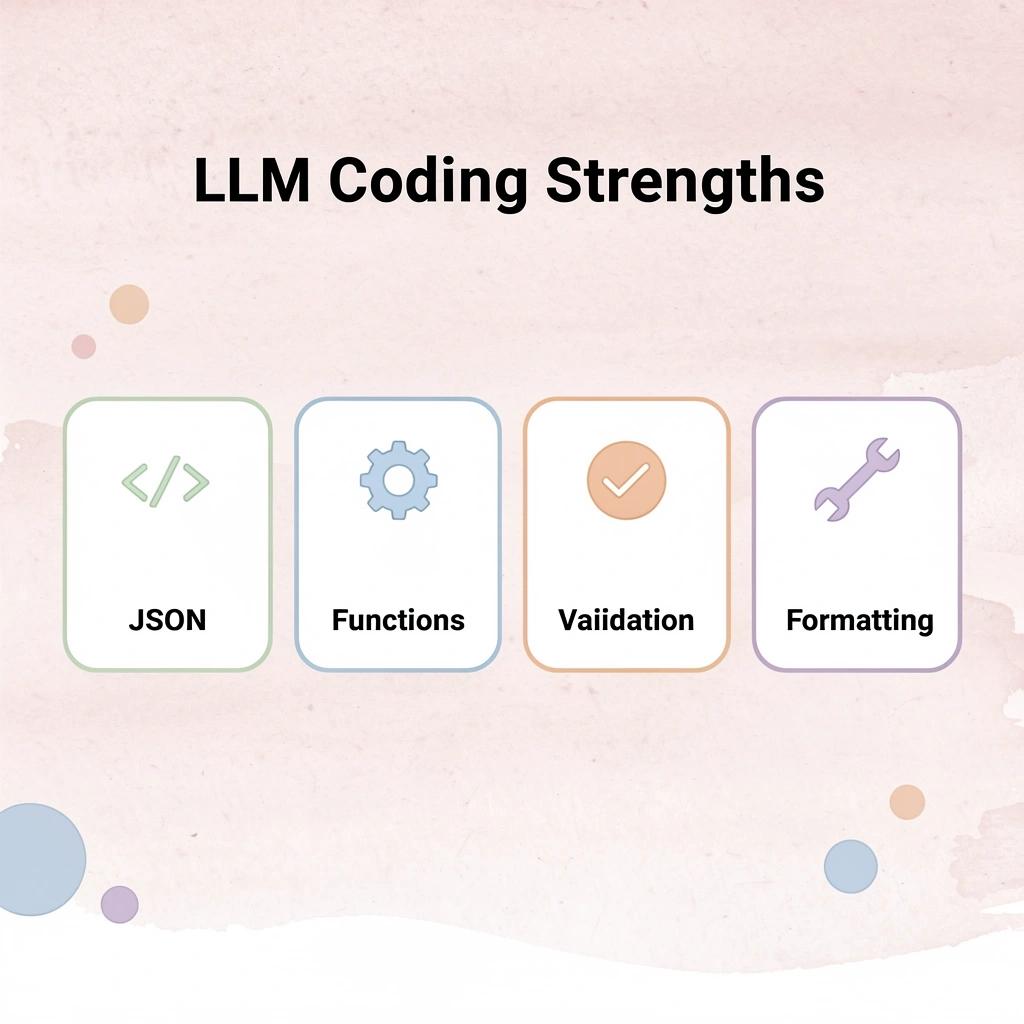
LLMs excel at specific, clearly defined tasks. Need a function that reads JSON, validates input, or formats output? They deliver working code in seconds. For building new features, refactoring code, or understanding unfamiliar code, they outperform traditional approaches.

💡 Tip: LLMs excel at code explanation and rapid prototyping - use them as your first stop for understanding complex codebases or generating boilerplate code quickly.
They work well when you need to quickly understand existing code. Put in a block of code and ask for an explanation. The model tells you what it's supposed to do, shows you possible problems, and suggests better ways to write it. This makes them helpful for maintaining code and learning from others' code.
"LLMs can reduce code comprehension time by up to 75% when developers need to understand unfamiliar codebases." — Developer Productivity Research, 2024
🎯 Key Point: While LLMs excel at discrete coding tasks and code explanation, they struggle with complex architecture decisions and long-term project planning where human judgment remains essential.

What happens when LLMs lose context?
The strength disappears the moment you need consistency. LLMs lack a lasting understanding of your project: every prompt starts fresh unless you manually rebuild the context. As your codebase grows beyond a few files, this becomes unmanageable. The model forgets architectural decisions made three prompts ago and suggests solutions that conflict with existing patterns.
Why do coding models struggle with real projects?
They also fail at organizing things together. Writing code is only one step in shipping a product. You still need to define requirements, choose dependencies, structure the architecture, write tests, handle deployment, and iterate based on feedback. According to PromptLayer's May 2025 report, even top models achieving ≈99% HumanEval scores struggle with multi-file projects, where success drops to 25-34%. The benchmark measures isolated functions; real products require connected systems.
Why fast code generation isn't the same as progress
You create hundreds of lines of code in minutes and think speed means progress. But unless you put that code into a working system, check it against your actual needs, and keep it working as the project changes, you haven't finished anything: you've made disconnected pieces.
What does the complete development pipeline actually require?
The model accelerates individual steps but does not eliminate the need to manage the entire pipeline. You still define problems, provide context, check outputs, fix errors, and connect everything into a coherent product.
Why do teams struggle after the initial excitement fades?
Most teams discover this gap after the initial excitement fades: LLMs help you write code, but they do not help you ship products. The difference matters more than the benchmark scores suggest.
Knowing what LLMs can and cannot do matters only if you know which specific models handle which tasks best.
Related Reading
- Softr Alternatives
- Vs Code Alternatives
- Appsheet Alternatives
- Mobile App Ideas
- Replit Alternatives
- Ai Tools For Product Managers
10 Best LLMs For Coding Right Now (And What They’re Good At)
The models below represent the strongest options currently available. Some excel at complex building design decisions, others generate basic code quickly, and a few work independently across entire workflows. Most require human oversight to integrate their outputs into a finished product.

🎯 Key Point: Each LLM has distinct strengths - some excel at architectural planning while others shine in rapid prototyping or automated workflows.
"The landscape of coding LLMs is rapidly evolving, with each model offering unique capabilities that cater to different aspects of the development process." — AI Development Research, 2024

⚠️ Warning: Even the most advanced models require careful human review and integration work to produce production-ready code.
1. Polsia
Polsia is an independent AI co-founder that builds, ships, and operates software businesses without human help. Unlike other models that assist developers, Polsia eliminates the need for developers entirely. It handles full-stack development, deploys MVPs, runs Meta ads and cold email campaigns, manages customer interactions, and maintains infrastructure around the clock.
How does Polsia eliminate technical barriers for founders?
For first-time founders blocked by the technical barrier of building software, Polsia eliminates that barrier at $49 per month. The platform works continuously while you sleep, adapting to data and progressing toward product-market fit without requiring your input.
Most coding LLMs require you to define problems, provide context, check outputs, fix errors, and connect everything into a working system. Polsia does all of that independently.
2. Claude Sonnet (Anthropic)
Claude Sonnet handles large codebases better than most alternatives. It maintains context across long conversations, making it particularly strong for code review, refactoring, and explaining legacy systems. For architectural decisions requiring careful thought, Sonnet delivers structured, readable solutions across most programming languages. It reasons through multi-step problems before writing code, reducing the number of iterations needed to reach working solutions.
The tradeoff is speed. Sonnet thinks longer before responding, which frustrates developers wanting instant autocomplete. But understanding how six different modules work together before making changes saves hours of debugging later.
3. GPT-4o (OpenAI)
GPT-4o is the most flexible general-purpose coding model available. It excels across frontend development, backend logic, API integration, and data analysis. Its multimodal capability lets you share screenshots of error messages or UI mockups and receive relevant code in response, streamlining the conversion of visual problems into actionable solutions. Vellum's LLM Leaderboard shows GPT-4.5 scored 69.94% on the Berkeley Function Calling Leaderboard as of March 2026, demonstrating strong performance on structured API tasks requiring precise parameter handling.
The model reliably follows instructions, making it a safe default choice that rarely requires extensive prompt engineering or mid-project model switching.
4. Gemini 1.5 Pro (Google)
Gemini 1.5 Pro can process entire codebases in a single context window, allowing you to add full repositories and ask it to trace dependencies, identify bottlenecks, or refactor systems spanning dozens of modules.
How does Gemini handle large codebase analysis?
This is valuable when understanding how code pieces connect matters as much as writing new code. Standard attention memory grows quickly as the amount of information increases, causing most models to run out of memory. Gemini handles this better than other options, though it responds slightly more slowly to smaller tasks.
When is the performance tradeoff worth it?
For developers working on established products, the ability to think through an entire codebase without losing track of connections justifies the tradeoff.
5. GitHub Copilot (Powered by OpenAI Codex)
GitHub Copilot is the most widely adopted AI coding assistant among working developers because it integrates directly into their existing editors. It suggests completions, generates functions from comments, and accelerates repetitive coding tasks in real time.
How does GitHub Copilot integrate into developer workflows?
Its strength is how well it works with your workflow: you describe what you need in a comment, and Copilot writes the function while you move to the next task.
What are GitHub Copilot's strengths and limitations?
The model works best with common patterns and established frameworks when abundant training data is available. It struggles with new architectures or proprietary systems lacking sufficient examples. For standard stacks, it reduces friction enough that most developers find it difficult to work without.
6. Mistral Large
Mistral Large is a strong open-weight model that performs competitively with larger proprietary models on coding benchmarks. It handles Python, JavaScript, and other common languages well and is valued by developers prioritizing data privacy and infrastructure control. For technical founders building on a budget who need a capable coding model without ongoing API costs, Mistral is one of the most compelling options available.
What are the tradeoffs with open-weight models?
Because it's open-weight, you can fine-tune it on your own codebase, improving performance on field-specific tasks where general models struggle. The trade-off is that you must handle deployment, scaling, and updates yourself—work that API-based models eliminate.
7. DeepSeek Coder
DeepSeek Coder is built for coding tasks and performs as well as, and often outperforms, much larger models in code completion, algorithm implementation, and technical problem-solving. It excels at competitive programming and mathematical reasoning, requiring precise logic.
How does DeepSeek Coder perform on coding benchmarks?
According to Vellum's LLM Leaderboard, Kimi K2 Thinking scored 83.1% on LiveCodeBench as of March 2026. This demonstrates that specialized reasoning models can match or exceed general-purpose alternatives on step-by-step logic tasks.
What are DeepSeek Coder's strengths and limitations?
For developers who need a model specialized in code generation, DeepSeek Coder is one of the most focused options available. It excels at generating correct, efficient code but is less useful for writing documentation or explaining concepts to non-technical audiences.
8. CodeLlama (Meta)
CodeLlama is Meta's open-source model trained specifically on code. It performs well across Python, JavaScript, TypeScript, and several other languages. Because it's fully open source, you can run it locally or deploy it on private infrastructure, making it ideal for teams with strict data security requirements or those wanting to fine-tune it on proprietary codebases.
The open-source nature means you control the entire stack, from training data to deployment environment. The tradeoff is losing access to the continuous improvements and scaling infrastructure that proprietary API providers offer. For teams that value control over convenience, this tradeoff is acceptable.
9. Grok (xAI)
Grok brings strong coding skills and real-time access to current information, which is especially useful for developers working with rapidly evolving frameworks, libraries, and tools.
How does real-time data access improve coding solutions?
Because it connects with current web data, it can examine the latest documentation and community discussions when creating code, reducing the risk of outdated solutions. For the newest technology stacks, Grok stays current with changes from last week rather than last year.
When is Grok less effective for development work?
The model is less useful for stable, well-documented systems with abundant training data. For developers building on new platforms or experimental frameworks, access to recent context measurably improves output quality.
10. Llama 3 (Meta)
Llama 3 is Meta's most capable open-source general model, performing well on coding tasks and broader language work. Because it's open-source, developers and founders can build AI products without depending on proprietary APIs.
What makes Llama 3 ideal for production environments?
It works best for teams that want a customizable model they can set up to their specifications, particularly in situations where controlling costs and maintaining flexible infrastructure are priorities.
How does Llama 3 compare to specialized coding models?
Llama 3 isn't specialized for coding like DeepSeek Coder or CodeLlama, so it requires more careful instructions for complex technical tasks. For teams needing one model for both code generation and customer-facing content, Llama 3 offers one of the most balanced options available.
Why does workflow design matter more than model rankings?
The model you choose matters far less than how you design your workflow. A developer using Claude Sonnet with clear context and validation systems will outperform one using GPT-4o with fragmented prompts and no testing infrastructure. The model is one part of a larger system that includes defining the problem, providing context, checking outputs, handling errors, and integrating everything into existing codebases.
The old way of doing things—picking the highest-ranked model on the latest benchmark—does not work well as complexity increases. Benchmark tests isolate tasks such as code completion or function generation, but real development requires continuity across requirements, dependencies, testing, and deployment.
How do benchmark scores translate to real project performance?
A model scoring 87% on isolated functions might drop to 34% on multi-file projects where architectural consistency matters more than syntax correctness.
Platforms like Polsia operate autonomously across entire workflows, handling planning, development, testing, and deployment without requiring human intervention. For teams needing continuous progress rather than isolated code snippets, autonomy matters more than benchmark scores.
Understanding which models exist helps only if you evaluate them against your specific needs.
How To Actually Choose The Best LLM For Coding
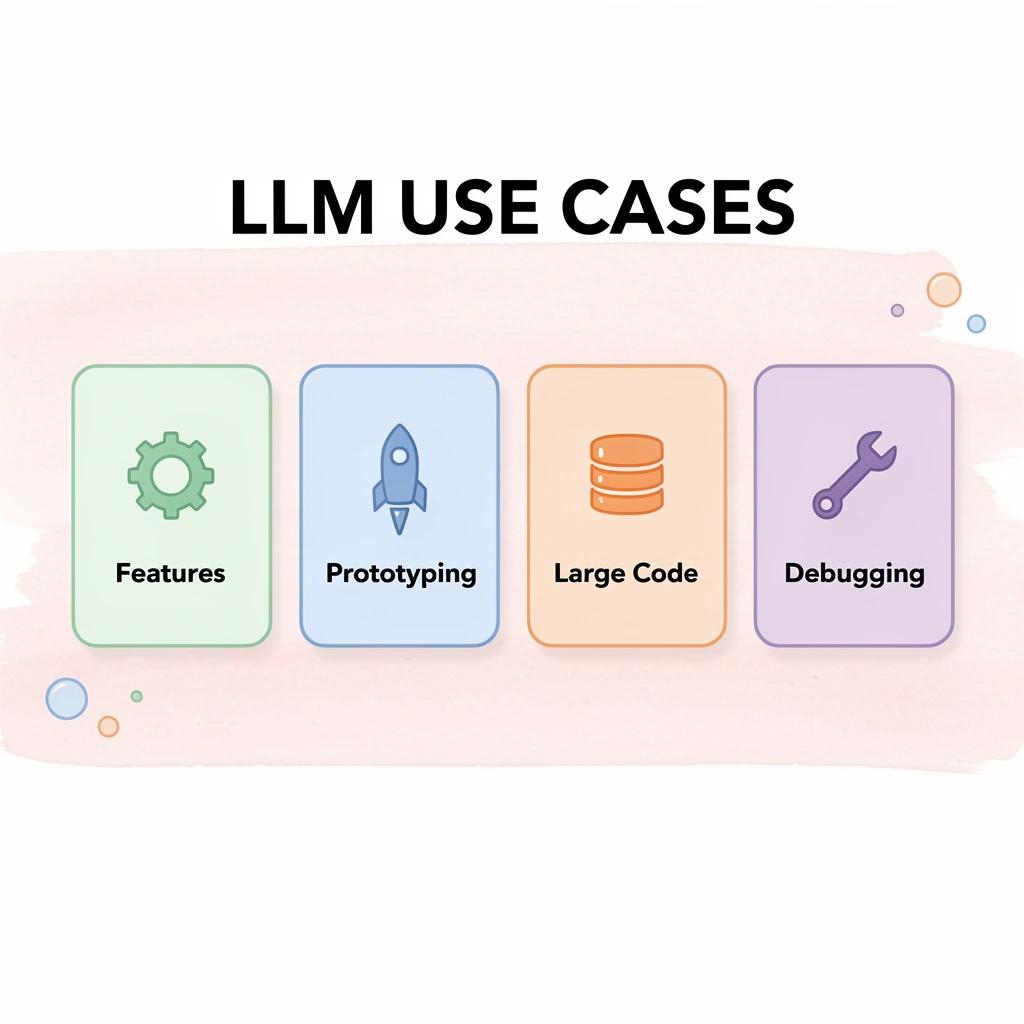
Start with the task, not the leaderboard. Different models excel at different things: some at structured reasoning and debugging, others at speed or handling long context. If you're building features, prioritize reliability and reasoning. If you're iterating quickly, speed matters more. Choose based on your current needs, not overall ratings.

🎯 Key Point: The best LLM for coding isn't the one with the highest benchmark score—it's the one that matches your specific workflow and project requirements.
Use Case
Feature Development
- Prioritize
Reliability & Reasoning - Best Model Type
GPT-4, Claude-3
Rapid Prototyping
- Prioritize
Speed & Iteration - Best Model Type
GPT-3.5, Codex
Large Codebases
- Prioritize
Context Length - Best Model Type
Claude-2, GPT-4 Turbo
Debugging Complex Logic
- Prioritize
Structured Reasoning - Best Model Type
GPT-4, Claude-3
"Task-specific performance varies dramatically between models, even when overall benchmarks suggest similar capabilities." — AI Coding Research, 2024
⚠️ Warning: Don't fall into the leaderboard trap—a model that excels at general coding benchmarks might struggle with your specific use case, whether that's API integration, algorithm optimization, or code refactoring.
Prioritize Workflow Over Raw Output Quality
A slightly better code snippet doesn't matter if it takes longer to integrate or debug. What matters is how easily the model fits into your process. Tools that reduce context switching, maintain continuity, or integrate directly with your development environment will outperform "better" models used in a fragmented way. If the model generates clean functions but requires manual orchestration to connect them, you end up spending more time than you save.
Optimize for Speed of Iteration
The faster you can go from idea to working test, the lower your overall cost of building. A model that is slightly less accurate but faster and easier to iterate with can produce better outcomes over time than a slower, more "intelligent" one. According to ApXML, evaluations updated as of June 2025 show model performance varies significantly across task types, reinforcing that speed and task alignment matter more than aggregate scores.
Consistency Beats Peak Performance
If a model produces different outputs for the same problem across sessions, it introduces instability into your workflow. Predictability matters more than peak performance because it reduces rework: each inconsistent response forces you to re-establish context, re-explain constraints, and re-validate output.
Why does workflow matter more than model performance?
A better workflow beats a better model. The real advantage comes from how well it is used within a system that supports building, testing, and shipping without friction. Platforms like Polsia operate autonomously across entire workflows, handling planning, development, testing, and deployment without requiring humans to connect the pieces. For teams that need continuous progress rather than isolated code snippets, autonomy matters more than benchmark scores.
But knowing which model to choose helps only if you understand how to use it without getting stuck in the tools themselves.
How Polsia Helps You Build Without Getting Stuck In Tools
The real shift happens when you stop managing tools and start directing outcomes. Instead of switching between LLMs, copying outputs, fixing problems manually, and handling deployment yourself, you describe what you want built. The system takes it from there: planning the product structure, writing code, launching it live, and continuing into marketing and operations.
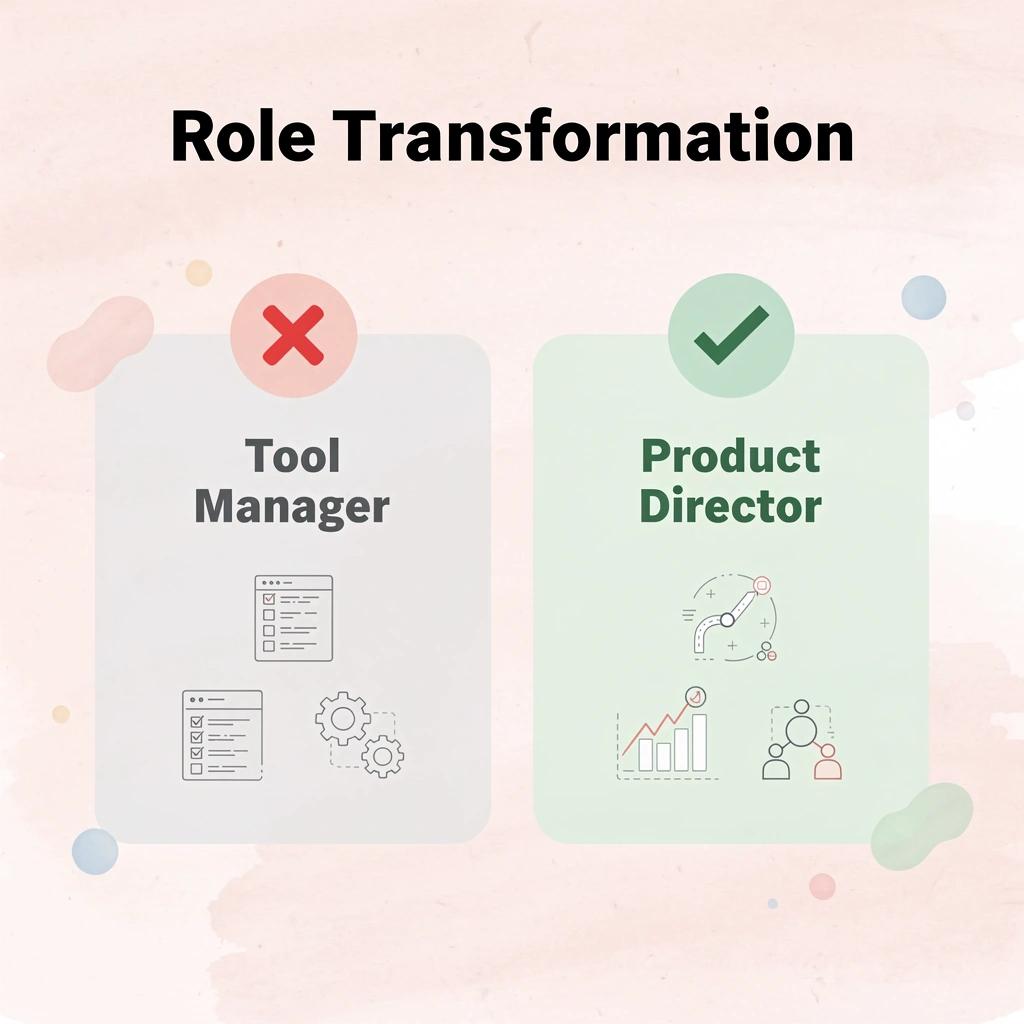
🎯 Key Point: Polsia transforms you from a tool manager into a product director—you focus on vision while the platform handles execution.
"The most successful builders spend 80% of their time on strategy and 20% on implementation, not the other way around." — Product Development Research, 2024

💡 Tip: Think of Polsia as your technical co-founder—it handles the complex implementation so you can focus on market fit and user experience.
From Idea to Operating Business
You describe your business idea in plain language. Polsia converts that into a structured product plan, including features, build approach, integration strategy, and delivery method, eliminating the gap between "I know what I want" and "I have no idea how to architect this."
The system writes and structures code across your full stack as a unified whole, maintaining full project context, managing dependencies, and ensuring architectural decisions match your original intent. You won't need to maintain consistency across disconnected sessions or rebuild context each week.
Deployment Without Manual Orchestration
Most projects stall at deployment. You've built something that works on your computer, but getting it live requires setting up infrastructure, managing environment variables, configuring databases, and handling numerous other steps unrelated to your core idea.
How does Polsia eliminate deployment friction?
According to Preston Zeller's LinkedIn post, you can start your business with Polsia for $49 per month, with your first MVP planned, built, and working without managing tools or writing code.
Polsia handles deployment, infrastructure setup, and ongoing operations within the same flow that built your product. The bottleneck where most solo developers lose momentum disappears. You're not copying code into a hosting platform or fixing environment configuration at 2 AM; the system ships your MVP and keeps it running.
Beyond Code Into Execution
Building the product is only half the challenge. The other half involves running the business, responding to customers, launching marketing campaigns, and managing operational workflows. Most coding tools stop at code generation, leaving you to handle everything else.
Polsia continues past deployment into execution. Marketing campaigns run automatically, customer responses get handled without manual intervention, and operational workflows adapt based on real usage data. Your role shifts from manual work to directing what should be improved, expanded, or changed.
That shift from builder to director works only if you know what comes next.
Related Reading
- Best Mobile App Builder
- No Code Ai Tools
- Lovable Ai
- Hire an App Developer
- Ai App Builders
- How To Create An App
- Best Vibe Coding Tools
Start or Grow your Existing Business with Polsia Today
If your main problem is not picking the best LLM but getting something live, start there. The fastest way to validate your idea is to show it to customers, not perfecting your toolchain first.

🎯 Key Point: Skip the perfectionist trap and focus on customer validation over technical optimization.
Polsia lets you launch your business for $49 per month with your first MVP planned and built without writing code or managing tools. You describe what you want in plain language. The system plans the product, writes the code, deploys it, and runs marketing campaigns automatically. Your role becomes directing improvements based on user feedback.
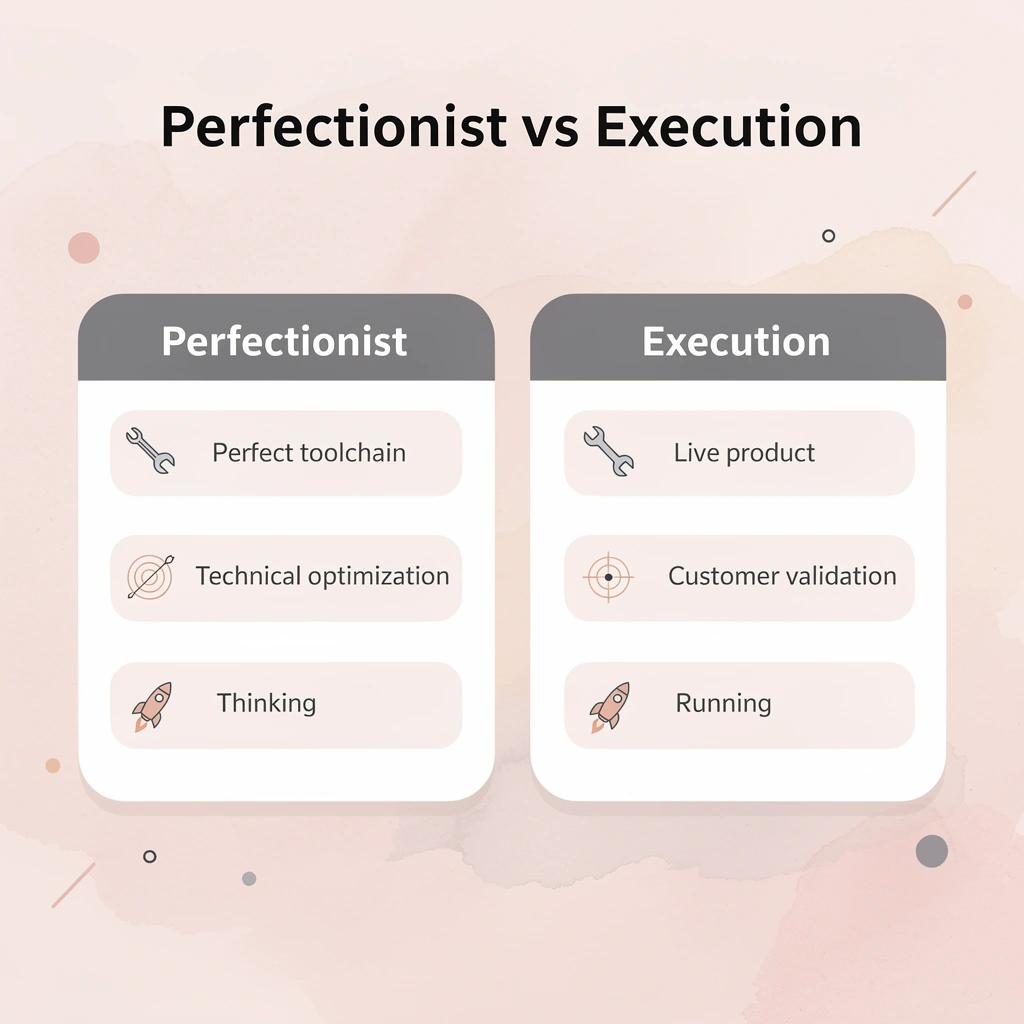
"The fastest way to validate your idea is to show it to customers, not to perfect your toolchain first." — Business execution principle
💡 Tip: The difference between thinking about a business and running one is execution. Start today and see what happens when the system works while you sleep.