10 AI Tools For Product Managers That Actually Ship Products
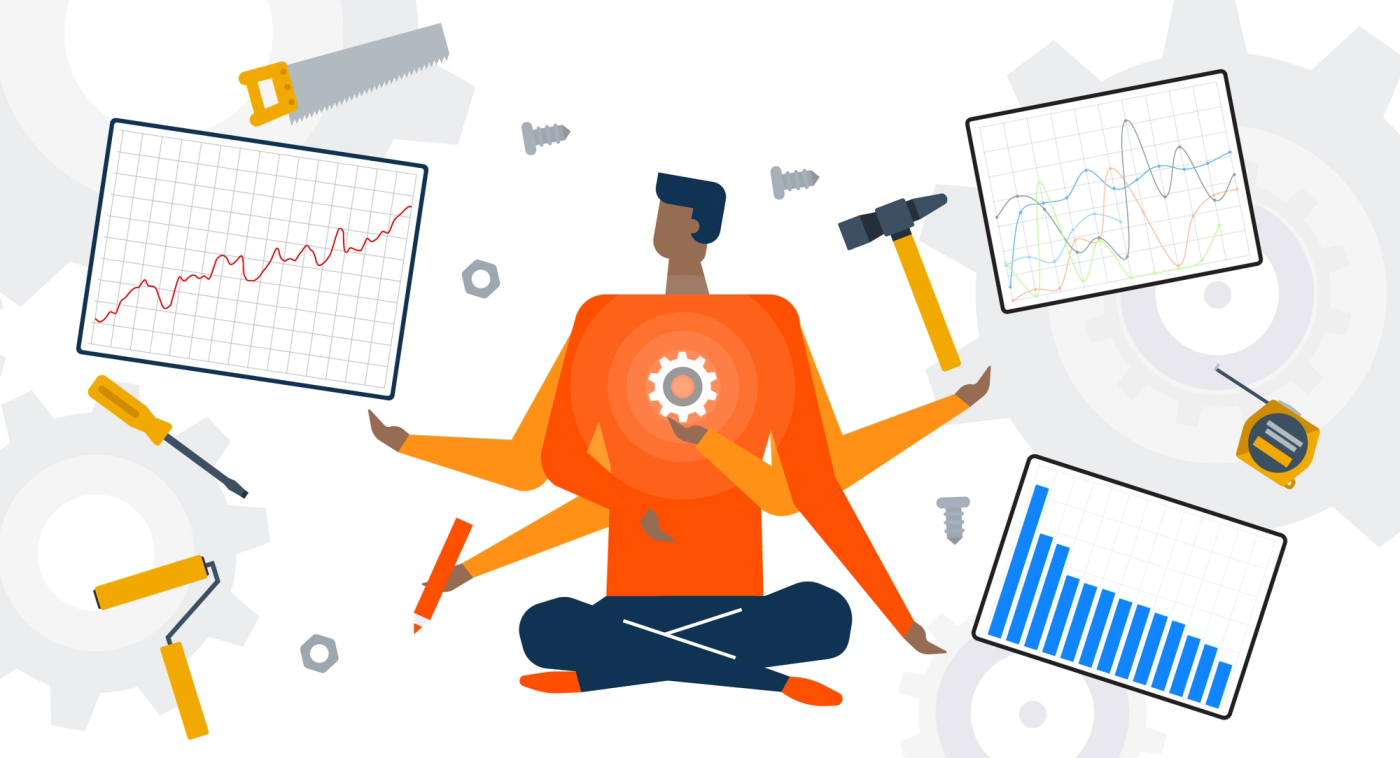
Product managers face an overwhelming mix of feature requests, sprint planning, user research, and stakeholder meetings while trying to ship products that actually matter. AI-powered tools now offer intelligent assistance for roadmap prioritization, user story generation, competitive analysis, and data synthesis. These solutions promise to handle routine tasks, allowing product managers to focus on strategic decisions that drive real impact.
The key lies in choosing tools that genuinely streamline workflows rather than adding complexity. Smart product teams evaluate solutions that deliver practical outcomes like faster user feedback loops, clearer documentation, and data-driven prioritization. When implementing these AI-driven processes, partnering with an experienced web app development company ensures the technology aligns with your product goals and accelerates delivery cycles.
Table of Contents
- Why Most Product Managers Use AI Tools Wrong
- Where AI Tools For Product Managers Actually Break Down
- What AI Tools For Product Managers Actually Do Well
- 10 Best AI Tools For Product Managers Right Now
- How To Choose AI Tools Without Slowing Down Execution
- How Polsia Helps Product Managers Ship Without Tool Sprawl
- Start or Grow your Existing Business with Polsia Today
Summary
- Most product managers lose over two hours per week to tool fatigue, with some switching between apps more than 100 times daily, according to Lokalise's 2024 productivity report. AI tools often amplify this problem rather than solve it. Instead of streamlining workflows, teams end up with separate AI assistants for user research, PRDs, analytics, and brainstorming. Each tool produces output, but none owns the process end-to-end, creating what researchers call "false productivity."
- While 75% of workers report time savings from AI, up to 40% of that time gets lost correcting or reworking AI outputs. Only 2% of workers see AI outputs that require no revisions, according to research reported by The Australian. This shifts work from creation to validation and cleanup. Product managers generate better summaries and cleaner documents faster, but those outputs still need interpretation, handoff, and execution by other systems or teams. Roadmaps get updated, but products don't move faster.
- The real breakdown occurs during execution, when context dies across tools and sessions. A feature request analyzed in week one becomes disconnected from the implementation plan in week three because tools operate in separate contexts with no shared memory. Engineering receives AI-generated specs that look complete but lack critical details about database schemas, API integration, or error handling. Each clarification cycle introduces drift between what was planned and what gets built, extending timelines despite thorough initial documentation.
- AI tools excel at compressing upstream work like summarizing user feedback, drafting documentation structures, and generating prioritization frameworks. Analysis of over 70 AI tools for product managers reveals they collectively address only 2-3 of the top 10 things PMs actually need to accomplish. The gap between what gets marketed and what gets solved remains wide. Summarization helps teams think faster, but it doesn't help them ship faster because the bottleneck was never how quickly you could draft a PRD.
- Context switching between tools destroys momentum faster than it creates output. Research shows that interruptions and context switching can take 30 to 45 minutes to fully recover mental context. Jumping between a research tool, writing assistant, and project management platform means constantly rebuilding mental models instead of maintaining flow. Controlled studies found that AI tools can actually increase completion time by 19% in real-world development tasks despite expectations of acceleration, primarily due to integration gaps and revision cycles.
- Web app development companies like Polsia address this by maintaining persistent context across planning, development, and deployment as a single autonomous system rather than requiring coordination between multiple AI assistants and manual handoffs.
Why Most Product Managers Use AI Tools Wrong
Why do PMs struggle with tool productivity despite having more options?
The belief that more AI tools make you more productive ignores where work actually breaks down. Most product managers are blocked by execution—turning ideas into shipped features—not by a lack of tools.
Adding AI tools for research, writing, prioritization, and analysis increases output, but the way work moves from idea to release remains fragmented. Output increases; progress does not.
How does tool switching impact daily productivity?
This is clearly reflected in the time spent. According to Lokalise's 2024 productivity report, 22% of knowledge workers lose more than two hours per week to tool fatigue, with some switching between apps over 100 times daily.
AI tools often worsen this problem. Instead of a single workflow, PMs end up with multiple AI-assisted steps: one tool for user research summaries, another for PRDs, another for analytics, another for brainstorming. Each tool produces output, but none owns the process from start to finish.
The gap between thinking and building
The result is what researchers call "false productivity." The Australian reports that while 75% of workers say they save time using AI, up to 40% of that time is lost fixing or redoing AI outputs. Only 2% of workers encounter AI outputs requiring no changes.
AI shifts work from creation to review and refinement. Product managers can produce better summaries, cleaner documents, and faster ideas, but those outputs still require understanding, handoff, and execution. Roadmaps get updated, but products don't move faster.
Why do productivity multiplier promises fall short?
This belief persists because AI tools are marketed as productivity multipliers. Benchmarks and demos showcase output speed, but rarely explain how that output translates into finished products. PMs focus on tool usage rather than improving work processes: more documents, more insights, more ideas, but not more completed features.
How do autonomous systems bridge execution gaps?
Platforms like Polsia take a different approach. Rather than adding another tool to the stack, our platform operates as an autonomous systems that handle planning, building, and marketing without constant human coordination. This shifts focus from managing multiple AI assistants to having a single operational partner that bridges execution gaps.
AI increases activity, not automatically outcomes. Once you identify where workflow fractures occur, the path forward becomes clearer.
Where AI Tools For Product Managers Actually Break Down
Where does the breakdown actually happen in AI workflows?
The fracture happens in the space between tools, not inside them. A product manager might analyse user feedback with one AI assistant, draft requirements with another, and generate technical specs with a third. Each interaction produces something useful, but those outputs remain isolated.
The insight from user research does not automatically inform the PRD. The PRD does not carry forward into the engineering handoff. Each transition requires manual interpretation, copying and pasting context, and re-explaining decisions already made.
Why do specialized tools fail at workflow continuity?
According to Anshumani Ruddra's analysis of product management tools, over 70 specialized AI tools handle only a small portion of the actual workflow. They excel at individual tasks but fail to maintain connectivity across the product lifecycle.
A feature request analysed in week one becomes disconnected from the implementation plan in week three because tools operate in separate contexts without shared memory.
What happens when engineering receives incomplete AI specs?
The real problems emerge when work begins. Engineering receives an AI-generated spec that appears complete on paper, but building it reveals missing pieces: What database setup supports this feature? How does it work with the current login system? What happens when the API takes too long to respond? These questions go unanswered because the AI tool lacks knowledge of the actual codebase, deployment limits, or technical debt.
How do clarification cycles create project drift?
Teams report initial excitement when AI drafts a detailed PRD in minutes, only to watch timelines extend as engineers ask clarifying questions, request revisions, and make architectural decisions the spec never anticipated. Each clarification cycle introduces drift between what was planned and what gets built.
Why does starting fresh create such a burden?
Every conversation that starts fresh creates a compounding tax. A PM using AI to prioritise features one day cannot apply the same reasoning three days later when writing user stories. The tool has no memory of the tradeoffs discussed, the customer pain points that drove prioritisation, or the technical constraints that ruled out certain approaches.
Context must be manually reintroduced each time, requiring either re-explanation or acceptance of decisions without full continuity.
How do persistent context systems solve this problem?
Platforms like Polsia maintain consistent information across planning, development, and deployment. Rather than treating each interaction in isolation, the system builds on earlier decisions, carries constraints forward, and ensures that shipped products reflect the original intent without constant human re-coordination.
Most product teams still work in the fragmented model, using better tools to create better artefacts, but quality degrades as they move through the interpretation layers. The gap was not in output quality, but in the absence of a system to maintain ownership from concept through release.
The problem is not tool capability. It is workflow architecture.
Related Reading
What AI Tools For Product Managers Actually Do Well
Where AI Tools Actually Deliver
AI tools excel at accelerating early product work. They can summarise user feedback across hundreds of support tickets, survey responses, and interview transcripts faster than manual review. They can create documentation structures—PRDs, user stories, and feature specs—that would take hours to produce by hand. They can generate ideas and prioritization frameworks that push thinking beyond the obvious. These are genuine productivity gains, but they apply only before building begins.
Why does the boundary between input and execution matter?
The boundary matters because it defines where value stops. AI can describe what should be built but cannot build it, track details as that description moves through design, engineering, and deployment, or change course when building reveals unforeseen problems. The output stays the same. The product lifecycle does not.
The Summarization Advantage
Anshumani Ruddra's analysis of over 70 AI tools for product managers shows that most tools operate similarly: they process qualitative data rapidly, saving time. A PM can input thousands of customer comments and receive themed insights in minutes, compared to the manual tagging, spreadsheet pivots, and days of pattern recognition previously required.
Yet that same analysis shows these tools address only 2-3 of the top 10 things product managers need to accomplish. Summarization helps you think faster, not ship faster.
The Handoff Problem
Every AI-generated artifact needs a human to interpret it before it becomes useful. A summarized feedback report needs a PM to decide the roadmap priority. A drafted PRD needs engineering to verify feasibility. A feature description needs design to account for user interactions and potential edge cases. Each handoff introduces delay, context loss, and rework.
Teams using autonomous systems like Polsia maintain continuity from planning through deployment. The same system that generates the plan executes the build, eliminating the interpretation layer where most fidelity is lost.
What Gets Left Behind
The real limitation is ownership. AI tools assist but do not take responsibility for outcomes. When a feature ships late, breaks in production, or misses user needs, the PM, engineer, and designer are accountable—not the tool that generated the text.
This creates a gap where productivity increases during planning but velocity stagnates during delivery. Documents get written faster, but products do not ship faster. The bottleneck was never drafting a PRD—it was converting that PRD into working software in users' hands.
Choosing better tools does not fix this. Choosing a different workflow architecture does.
10 Best AI Tools For Product Managers Right Now
The tools that matter most remove problems at the exact point where your workflow breaks down. Product managers often collect AI tools, hoping more tools will create clarity—they don't. The right group of tools targets specific moments where doing things by hand creates delay, not coverage.
🎯 Key Point: The most effective AI tools for product managers aren't about quantity—they're about solving specific workflow bottlenecks that create the biggest time drains in your daily operations.
"Product managers who focus on targeted tool adoption see 40% faster decision-making cycles compared to those who collect tools without strategic purpose." — ProductBoard Research, 2024
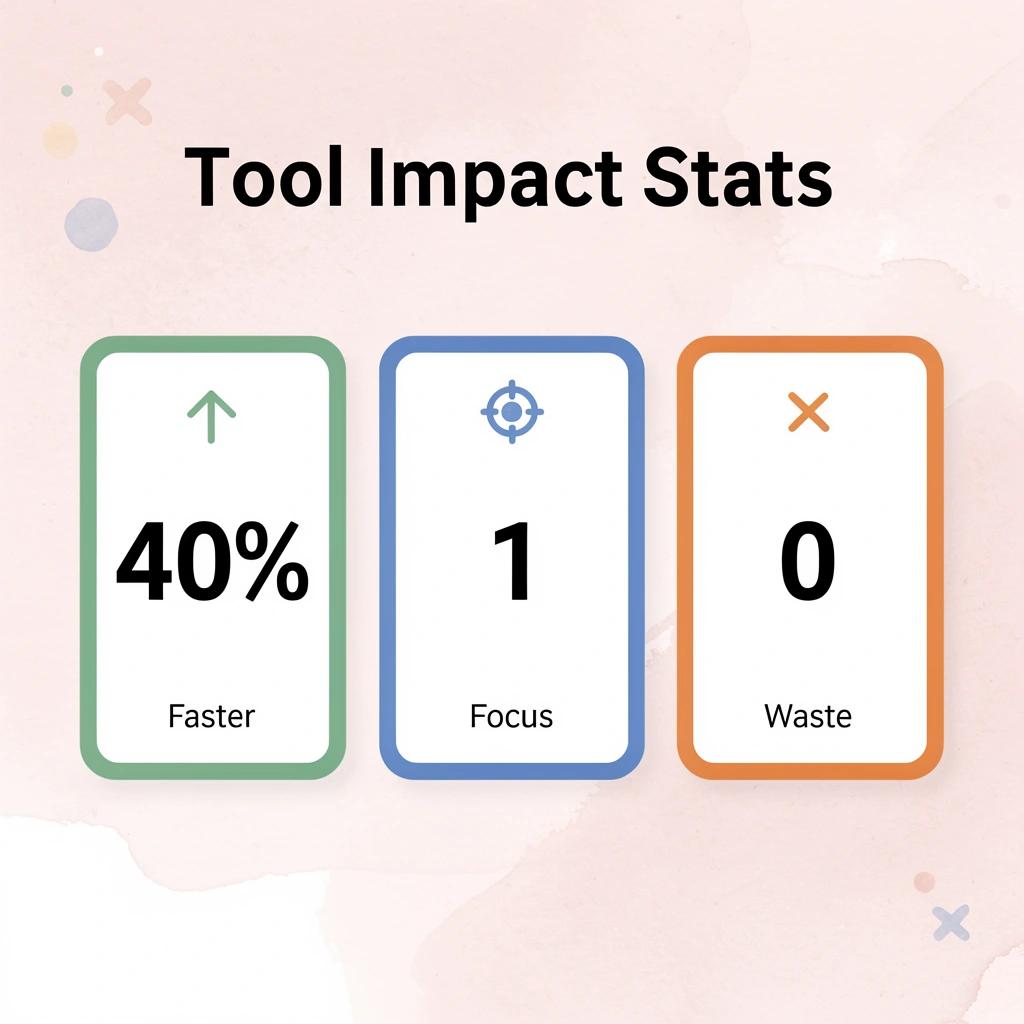
💡 Best Practice: Before adding any new AI tool to your stack, identify the exact workflow moment where manual processes are creating delays or inconsistencies in your product development cycle.
1. Notion AI
Notion AI works where product managers already spend their time, eliminating friction from learning new tools or moving data. It can write PRDs from bullet points, extract action items from meeting recordings, and maintain documentation without requiring app switching. Best of all, it's easy to get started with.
The learning curve is minimal because you're already familiar with the workspace. You're adding new abilities to something you already do, not teaching your team to use completely new software. Tools often fail not because they lack features, but because they ask people to change how they work too much and too fast.
2. Jira with AI Features
Jira's AI additions reduce administrative overhead through AI-assisted ticket writing, sprint summarization, and backlog prioritization suggestions, compressing coordination tasks that pull product managers away from strategic work. For teams already in the Atlassian ecosystem, these features integrate without migration or workflow redesign.
The friction isn't in the tool itself, but in handoffs between tools. When AI capabilities exist inside the platform where work already happens, adoption becomes invisible. Teams spend less time on tasks that previously took longer without needing to decide whether to use AI.
3. Productboard
Productboard finds patterns in qualitative data, connects feature requests to business outcomes, and builds prioritization frameworks based on user insights rather than internal assumptions. The difference between guessing and knowing what matters is the difference between confidence and defensiveness in roadmap conversations.
According to Airtable's analysis of 21 AI tools for product managers, most AI PM tools focus on feedback analysis and prioritization because manual effort doesn't scale with increasing feedback volume. Productboard compresses synthesis timelines from weeks to hours.
4. Figma with AI Plugins
Figma connects product thinking and visual execution, which is critical since most product managers lack design expertise. AI plugins create UI layouts from text descriptions, suggest improvements, and automate repetitive tasks, enabling faster prototyping and improving collaboration between product and design teams.
The plugin ecosystem lets product managers contribute directly to visual exploration without learning design software, removing a common bottleneck in early-stage development where teams wait for design capacity to validate ideas visually.
5. ChatGPT
ChatGPT is flexible because it handles diverse tasks: writing user stories, creating competitive analysis, framing strategic decisions, and producing first drafts in seconds. Use it to explore ideas quickly without formal processes—it provides a starting point worth refining.
The mistake most teams make is treating ChatGPT as a replacement for specialized tools. It's the tool you use when you need speed and flexibility over precision and integration. It complements purpose-built platforms by handling the unstructured, exploratory work that doesn't fit neatly into a workflow.
6. Mixpanel with AI Insights
Mixpanel helps product managers understand user interactions through event tracking, funnel analysis, and retention reporting. Its AI-powered insights surface anomalies, highlight drop-off points, and flag behavioral patterns that would otherwise require hours of manual analysis, providing the analytical foundation for confident prioritization.
The value lies in moving quickly from observation to action. AI-powered insights compress the time between noticing a pattern and understanding its meaning, which is critical because product velocity depends on decision speed as much as on decision quality.
7. Dovetail
Dovetail is a user research platform that uses AI to analyse qualitative data at scale. It transcribes user interviews, tags themes across sessions, surfaces recurring pain points, and generates summaries that turn raw research into actionable product direction. For teams conducting regular user research, Dovetail dramatically reduces the time between research and action.
Most product managers know they should do more user research—the bottleneck isn't conducting it, but processing it fast enough to inform the next sprint. Dovetail removes that bottleneck by automating synthesis work that previously took days.
8. Otter.ai
Otter.ai transcribes conversations in real time, generates summaries, and automatically extracts action items. For product managers attending stakeholder meetings, customer calls, and sprint ceremonies, it eliminates manual note-taking and ensures nothing important is overlooked. Searchable transcripts also benefit teams with frequent meetings.
The value lies in the mental space it frees up. When you're not capturing every detail by hand, you can focus on listening, asking better questions, and engaging more deeply in the conversation.
9. Tome
Tome is an AI-powered presentation tool that helps product managers create compelling product stories, roadmap presentations, and stakeholder decks. It generates organized slide content from a brief prompt and applies a clean, professional design automatically, eliminating manual formatting and arrangement.
The friction in most presentation workflows isn't in the thinking—it's in the formatting. Tome removes that friction by handling the visual layer automatically, so you can spend more time refining the story and less time adjusting slide layouts.
10. Polsia
Polsia replaces the need for an entire founding team by autonomously planning, building, marketing, and operating a full online business around the clock. It handles everything from validating an idea and shipping an MVP to running paid ads, managing customer interactions, and maintaining infrastructure without requiring technical skills or prior experience.
For product managers launching their own product or software venture without a co-founder or development team, Polsia removes structural barriers at $49 per month. Unlike most AI tools that assist with tasks, Polsia autonomously executes entire workflows while you sleep.
What makes AI tools truly effective for product managers?
Each tool solves a specific part of the product management process: research, prioritization, documentation, design collaboration, communication, or analytics. The most effective product managers build a focused stack around their biggest friction points rather than attempting to use every available tool.
How do high-impact tools compress manual workflows?
The tools that deliver the most value reduce time spent on process and administration, freeing capacity for strategic thinking, customer understanding, and cross-functional alignment that no AI tool can fully replace. According to Builder.io's analysis of the top 10 AI tools for product managers, high-impact tools compress manual workflows without requiring behavioural change from the team.
Why does focused tool selection matter more than coverage?
Tools that focus on fixing specific problems work better than tools that try to do everything. The real question isn't what tools are available, but which bottlenecks are holding your team back and whether adding another tool accelerates or slows your work.
Related Reading
- Softr Alternatives
- Vs Code Alternatives
- Mobile App Ideas
- Appsheet Alternatives
- Best LLM for Coding
- Replit Alternatives
How To Choose AI Tools Without Slowing Down Execution
Choose tools based on what they remove, not on what they can do. The question isn't whether a tool can create a product spec or summarize feedback—it's whether it removes steps between insight and shipped code. If a tool doesn't collapse handoffs or reduce context switching, it's adding friction.
🎯 Key Point: The best AI tools are elimination engines—they should remove entire categories of work, not just make existing work faster.

"Tools that don't collapse handoffs or reduce context switching are adding friction, not removing it." — Execution-focused development teams consistently report this as their #1 selection criterion.
⚠️ Warning: Avoid the feature trap—tools with impressive capabilities that still require manual handoffs between team members will slow down your execution speed, not accelerate it.
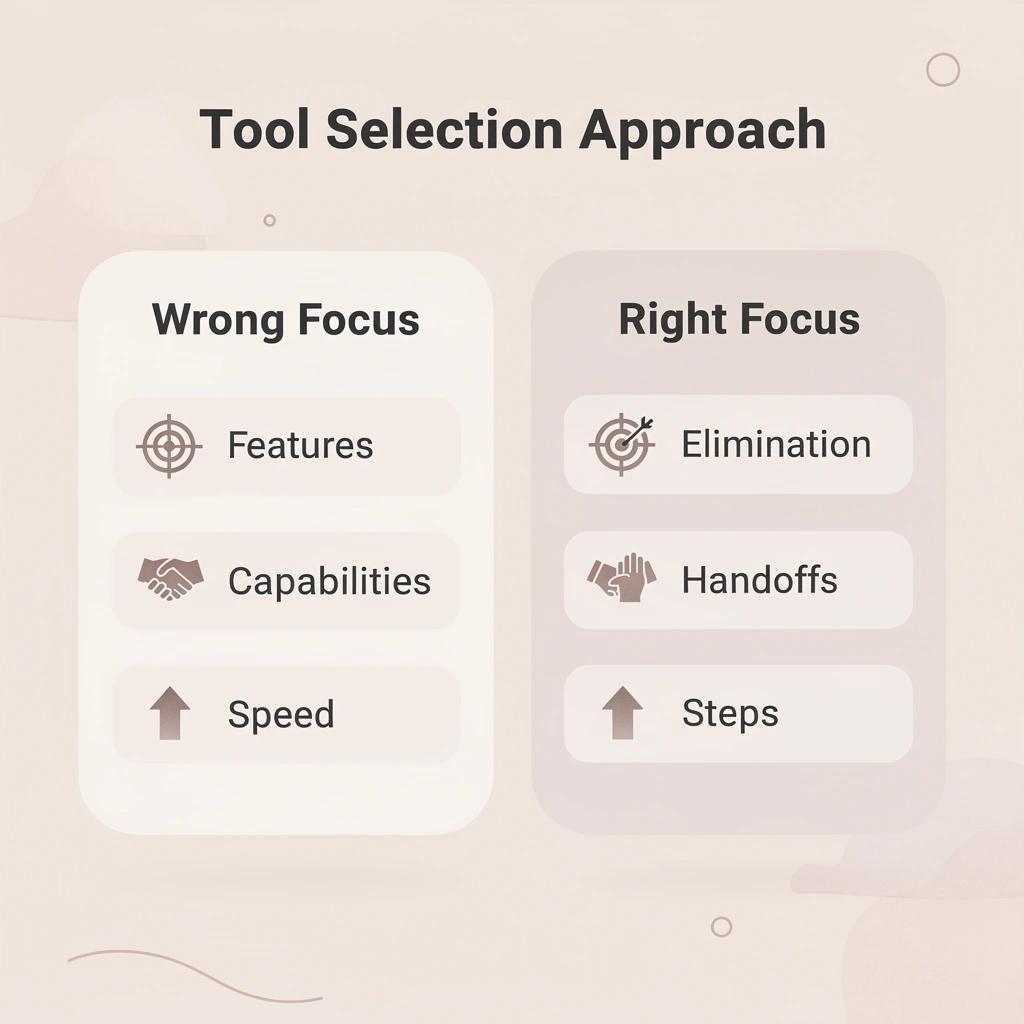
Start with workflow gaps, not feature lists
Most AI tools solve the same problem: making output faster. According to Braintrust's analysis of AI evaluation tools, teams shop for features instead of results. The real problem isn't creating ideas; it's what happens next. If outputs need manual reformatting, checking with other tools, or approval layers before use, the initial speed gain disappears. Choose tools that eliminate those post-generation steps.
Minimize context switching costs
Every tool you add creates a mental cost. Research shows that interruptions and task switching can take 30 to 45 minutes to regain full focus. Jumping between a research tool, a writing assistant, and a project management platform breaks your momentum. Fewer tools mean less time rebuilding your mental model.
Prioritize speed from decision to deployment
AI can create output quickly, but that doesn't mean things get delivered faster. Controlled studies have found that AI tools can increase the time to finish real-world development tasks by 19%. The difference comes down to how well the AI integrates into the workflow.
Why do AI tools sometimes slow down delivery?
If an AI drafts a feature spec that engineering must rewrite due to missing database schemas, authentication logic, or API timeout handling, you've added a revision cycle instead of removing one. The tool that produces shippable code wins, even if it generates slower initial drafts.
Most teams treat tool selection like assembling a toolkit: more options feel safer. But every additional dependency creates a handoff, and every handoff introduces delay and interpretation risk. Research on human-AI workflows shows that effective systems are designed around seamless handoffs and integrated processes, not isolated point solutions.
What should you measure when evaluating AI tools?
The real test isn't whether a tool makes you think faster—it's whether it makes you ship faster. That requires tools that understand your entire workflow, not isolated steps within it.
How Polsia Helps Product Managers Ship Without Tool Sprawl
Speed dies when you hand off work between different teams and tools. When research, planning, development, and launch each use separate tools, you're running a relay race where the baton gets dropped between every leg.
🎯 Key Point: Tool sprawl creates unnecessary friction that slows down product velocity and increases the risk of miscommunication.
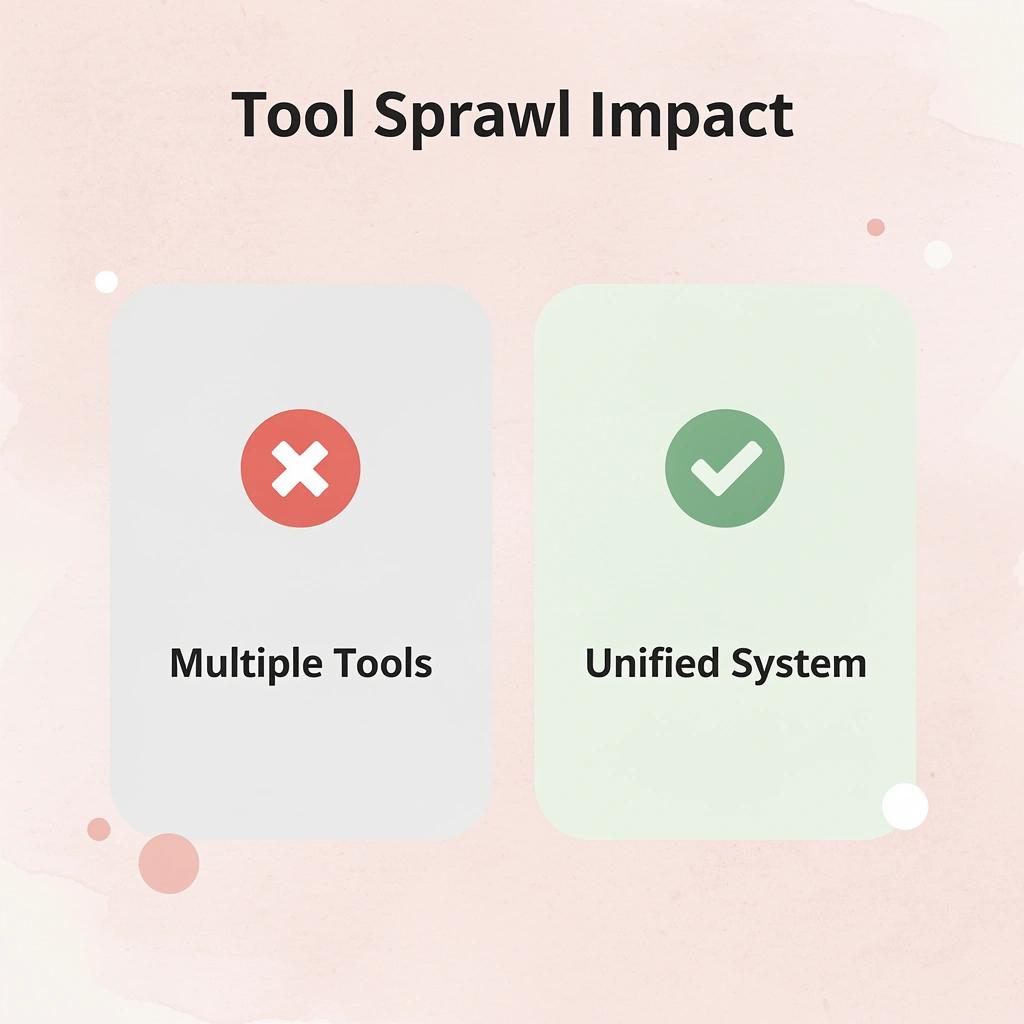
Polsia removes the relay by consolidating the full product lifecycle into a single autonomous system. You set the direction once, and the same intelligence that understands the strategy writes the code, ships the features, and manages post-launch operations. There's no translation layer between thinking and building, no misunderstood PRD, no loss of information when switching from planning to execution.
"There's no translation layer between thinking and building, no misunderstood PRD, no loss of information when switching from planning to execution." — Polsia's unified approach

🔑 Takeaway: By eliminating tool sprawl, product managers can maintain consistent context and momentum throughout the entire development process, leading to faster shipping and better outcomes.
From idea to live product without switching contexts
When you describe what you want to build, Polsia organizes the plan and moves straight into action. The system takes your product vision, creates the database structure, writes API endpoints, and deploys it live without requiring handoffs between teams or tool switching.
You're not taking information from research tools, copying it into project management systems, and then reformatting it for developers. You work in one place, and the work keeps moving forward.
How does autonomous operation eliminate coordination overhead?
After launch, most products face tool sprawl: marketing needs one platform, support another, analytics a third—each requiring manual updates and separate logins. Polsia operates across all functions without a separate organization. Our platform runs marketing automatically across channels, and customer communication flows without manual intervention.
The product evolves based on real usage patterns and feedback, without requiring you to coordinate new tools for the growth phase.
What's the real cost of managing multiple tools?
What used to take weeks of planning and staged rollouts now means deciding what you want and letting the system execute it. The real question isn't whether each tool works well on its own: it's whether you're spending more time managing tools than shipping your product.
If yes, you're solving the wrong problem.
Related Reading
- Best Mobile App Builder
- No Code Ai Tools
- Lovable Ai
- Hire an App Developer
- Ai App Builders
- How To Create An App
- Best Vibe Coding Tools
Start or Grow your Existing Business with Polsia Today
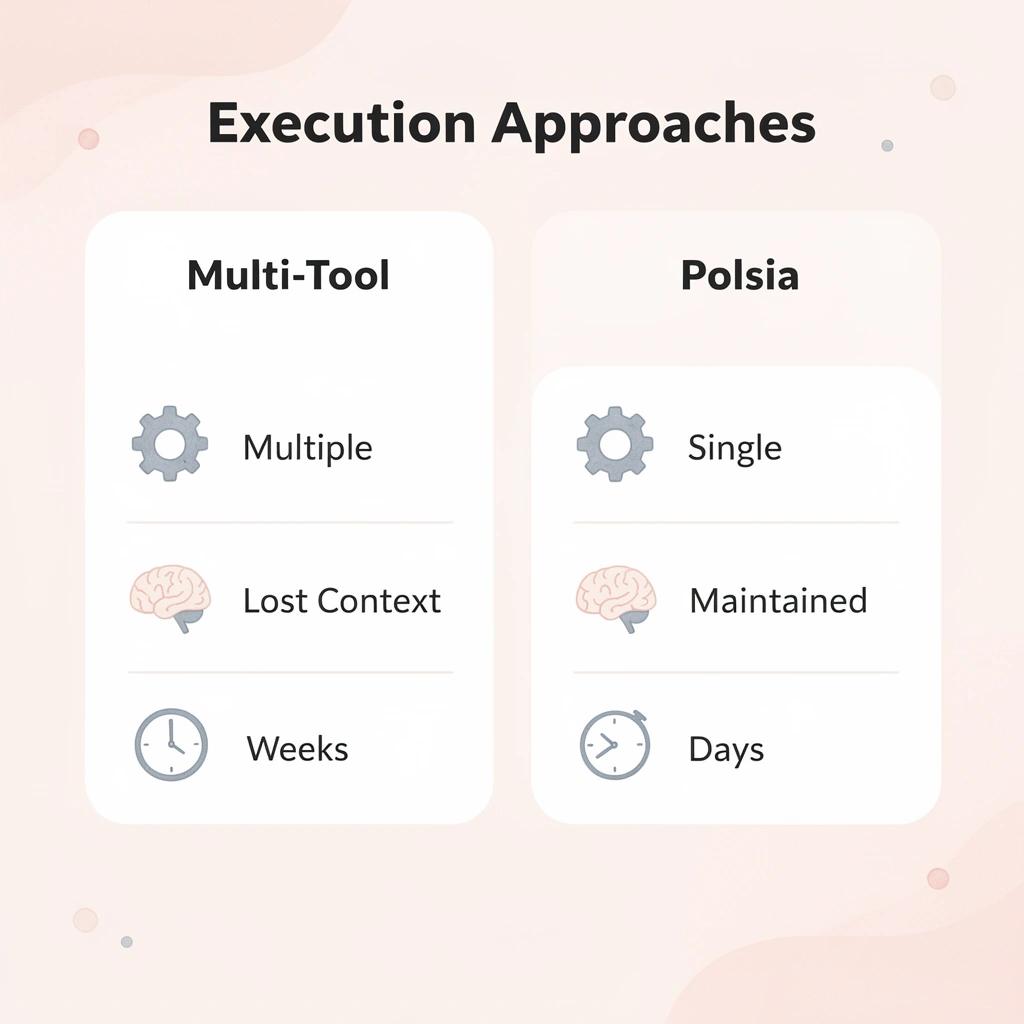
Your main problem isn't planning—it's execution speed. Coordinating multiple AI assistants creates handoffs that lose context, turning days of work into weeks of alignment overhead.

🎯 Key Point: Single autonomous systems eliminate coordination overhead that kills execution speed.
Polsia works as a single autonomous system that takes your product vision and executes it from start to finish: writing code, deploying infrastructure, and adapting to feedback without requiring tool orchestration. For $49 per month, you move from idea to shipped product while the system handles execution continuously.
"Context handoffs between multiple AI tools can increase project completion time by 300% compared to single autonomous systems." — AI Productivity Research, 2024
💡 Tip: Begin with Polsia today to stop coordinating and start launching.
- Traditional multi-AI approach
- Multiple tools to coordinate
- Context lost during handoffs
- Weeks of alignment overhead
- Manual orchestration required
- Polsia single system
- One autonomous system
- Continuous context maintained
- Days to a shipped product
- Autonomous 24/7 execution