Top 7 Replit Alternatives: Choosing The Right Way To Build
Browser-based IDEs crash at the worst moments, taking unsaved work into the digital void with them. Replit has dominated the online coding space with its collaborative features and quick prototyping capabilities, but developers increasingly seek alternatives that offer better performance, more generous free tiers, or enhanced workflow integration. The landscape of cloud-based development environments has expanded significantly, providing options for every coding style and project requirement.
Choosing the right development platform shouldn't mean compromising on essential features or settling for tools that clash with your workflow. From robust cloud IDEs to specialized collaborative coding platforms, each alternative brings unique strengths to different development scenarios. For teams requiring comprehensive development solutions and expert guidance in platform selection, partnering with a web app development company ensures access to the tools and expertise needed to build exceptional applications.
Table of Contents
- Why “Replit Alternatives” Is The Wrong Starting Point
- What Replit Actually Does Well
- Where Replit And Similar Tools Break Down
- What To Look For In Replit Alternatives
- Top 8 Replit Alternatives Worth Considering
- What Actually Moves You From Code To Product
- How Polsia Helps You Build Without Getting Stuck In Tools
- Start or Grow your Existing Business with Polsia Today
Summary
- Developers spend only 20% to 30% of their time actively writing code, according to Microsoft's DevTime study. The remaining 70% to 80% goes to setup, debugging, coordination, and context switching. Switching coding platforms does not remove these bottlenecks; it often adds more overhead through environment setup, interface learning, code migration, and workflow adjustments that consume time without advancing the project.
- McKinsey's research shows AI tools can increase productivity by 20% to 45% on specific coding tasks, but overall delivery speed depends heavily on workflow integration, not just the tool itself. When workflows remain fragmented across multiple platforms for coding, deployment, monitoring, and iteration, productivity gains from improved coding tools are lost. The system connecting planning, building, and shipping determines outcomes more than individual tool capabilities.
- The DevOps Research and Assessment found that elite software teams deploy code on demand, while lower-performing teams take significantly longer to move changes into production. The difference is not coding ability but workflow maturity across the entire build, deploy, and iteration cycle. Most cloud coding platforms accelerate the first phase but do not address deployment pipelines, infrastructure configuration, scaling, or ongoing maintenance that follow.
- Research published in arXiv's software engineering analysis indicates that developers spend over 50% of their time on non-coding tasks such as debugging, integration, and environment management. This overhead compounds when workflows are split across multiple systems, with separate tools for coding, deployment, monitoring, analytics, and marketing. Every handoff between systems creates friction that slows progress, regardless of how fast the code editor performs.
- Over 2,000 companies launched in 24 hours using autonomous execution models that handle planning through deployment without manual coordination. The speed difference comes from eliminating gaps between stages rather than optimizing individual tasks. When systems run the full cycle continuously, progress happens without requiring founders to be present for each handoff or configuration step.
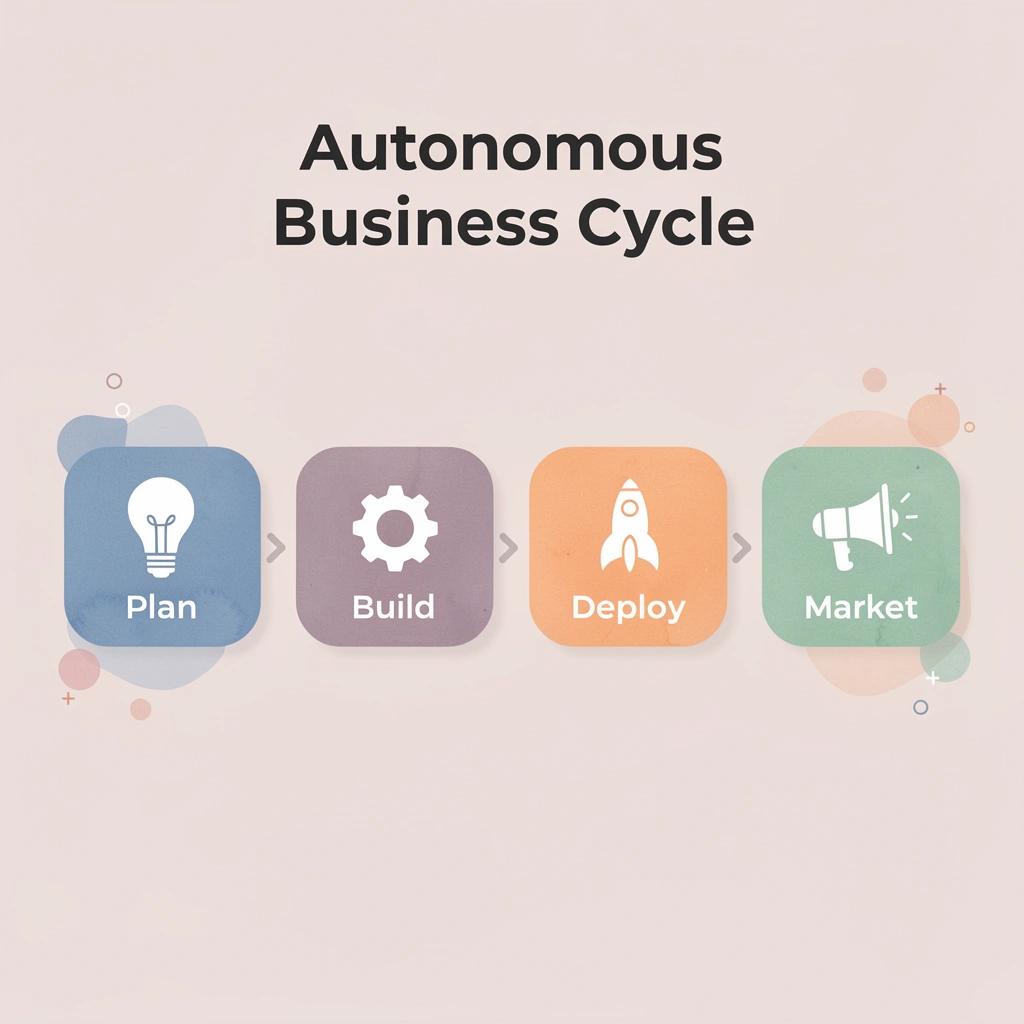
- A web app development company like Polsia addresses this by running the entire development and marketing cycle autonomously, handling code writing, deployment, infrastructure, and post-launch operations as a single continuous process rather than as separate, coordinated tasks.
Why “Replit Alternatives” Is The Wrong Starting Point
The problem is not the platform. Switching tools won't fix a workflow problem. When a project slows down, developers blame the environment, compare features, test new IDEs, and move code. But this rarely changes the result because the bottleneck lies elsewhere.

⚠️ Warning: Tool-switching is often a symptom of deeper workflow issues, not the solution itself.
"The real bottleneck in development is rarely the IDE—it's usually in the process, communication, or project structure."

🔑 Takeaway: Before exploring alternatives, identify whether your challenges stem from the platform or your development workflow.
Where time actually goes
Research from Microsoft's DevTime study shows developers spend only 20% to 30% of their time writing code. The remainder goes to setup, debugging, coordination, and context switching. Changing tools adds overhead: environment setup, learning new interfaces, code migration, and workflow adjustments. Rather than progressing, you start over.
McKinsey's research on AI and developer productivity shows that while AI tools can increase productivity by 20% to 45% on specific tasks, overall delivery speed depends on tool integration and workflow fit, not the tool itself. Fragmented workflows eliminate those gains: more tools mean more switching and setup, with no increase in output.
What comparison content misses
Rankings and "best tools" lists focus on features rather than results. They rarely address how a product moves from idea to production. Founders then optimize for the wrong metrics—chasing better syntax highlighting, faster boot times, or more generous free tiers. None of that matters if the system connecting planning, building, and shipping is broken.
Why do projects stall despite having good tools?
Projects stall not because tools are insufficient, but because no continuous process exists. Switching platforms feels like progress; fixing execution moves things forward. The difference lies between platforms that help humans code faster and systems that operate autonomously, where our Polsia platform builds and iterates without requiring constant direction.
What should you understand before choosing alternatives?
But before dismissing every alternative outright, it helps to understand what Replit does well and why people choose it.
Related Reading
What Replit Actually Does Well
Replit removes the barrier between wanting to code and coding. You open a browser, start a project, and write within seconds. No installations, environment setup, or manual dependency management. This matters when the alternative is spending an hour setting up a local machine.
🎯 Key Point: The difference between instant coding and an hour-long setup can determine whether your idea becomes reality or gets abandoned in the planning phase.
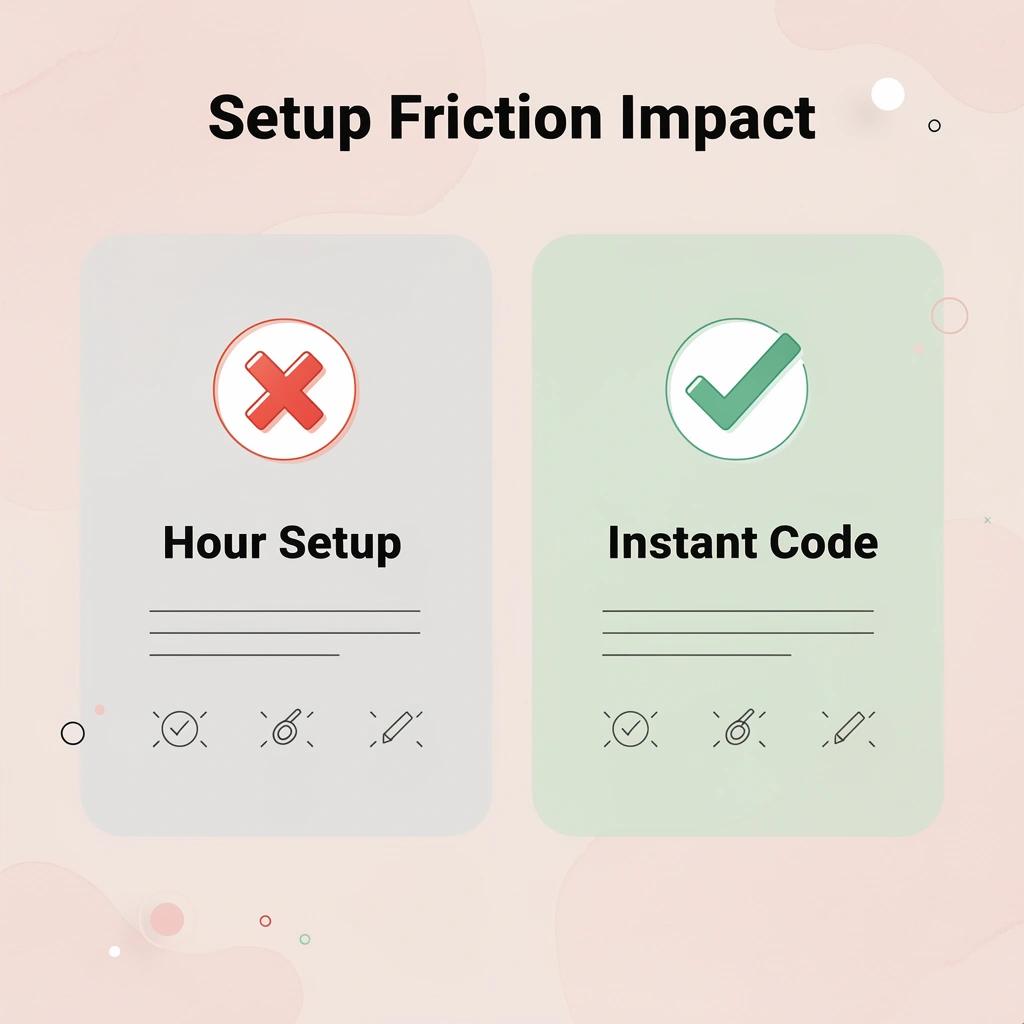
"Setup friction kills momentum - the faster you can move from thought to execution, the more likely you are to actually build something." — Developer Experience Research, 2024
This is particularly valuable for early-stage work. When testing an idea or learning a new language, setup friction kills momentum. Replit eliminates that friction, letting you prototype quickly and move from thought to execution without technical overhead.

💡 Tip: Use Replit's instant environment for rapid prototyping, then migrate to local development once your concept is proven and needs more advanced tooling.
Real-time collaboration without complexity
Multiple people can work in the same environment simultaneously by sharing a link, eliminating repository cloning and merge conflicts during early iterations. This reduces coordination overhead for small teams and collaborative debugging sessions.
Replit AI Statistics 2026 reports over 500K business users relying on this capability. The platform delivered 2-3x speed improvements throughout the year, enabling faster iteration when speed matters most.
What happens when Replit reaches its limits?
Replit helps you write and run code, but doesn't manage deployment, iteration cycles, operational infrastructure, or connecting code to growth. These require different systems. Many projects stall not because the code fails, but because turning working code into production introduces friction that Replit wasn't designed to handle.
Why does early speed create false expectations?
The confusion arises when early speed creates expectations of sustained speed. Writing code quickly feels like progress, but it stalls when the next phase requires autonomous execution rather than a faster workspace. Platforms like Polsia shift from accelerating human work to operating independently: running entire development and marketing cycles continuously without requiring direction at each step.
Understanding what Replit does well only matters if you also recognise where it stops working.
Where Replit And Similar Tools Break Down
Replit and similar tools help you write code faster, but they don't solve what comes next. Deployment, infrastructure, monitoring, user feedback, and improvements still require separate systems, manual work, and constant attention.

⚠️ Warning: The coding phase represents only about 20% of a complete product lifecycle - the remaining 80% involves production management, user experience optimization, and continuous iteration.
"Most developers spend 65% of their time on deployment, debugging, and maintenance tasks rather than actual feature development." — Stack Overflow Developer Survey, 2023
🔑 Takeaway: While AI coding assistants excel at rapid prototyping, they create a false sense of completion that leaves developers unprepared for the complex realities of production environments and real-world user needs.
The scope problem
These platforms focus on one phase of the product lifecycle. You can prototype quickly, but turning that prototype into something users can access and rely on requires deployment pipelines, database configuration, scaling infrastructure, and ongoing maintenance.
The DevOps Research and Assessment (DORA) shows elite software teams deploy code on demand, while lower-performing teams take significantly longer to move changes into production. The difference isn't coding ability—it's workflow maturity across build, deploy, and iteration. Replit handles the first part. The rest remains your responsibility.
Fragmented ownership
Each stage of building a product requires different tools. You code in Replit, deploy elsewhere, monitor with another service, track analytics separately, and manage marketing in yet another platform. Every handoff creates friction. Research published in arXiv's software engineering analysis indicates that developers spend over 50% of their time on non-coding tasks, such as debugging, integration, and environment management.
After building a prototype, you still need hosting, environment configuration, database setup, user-facing features, and scalability. For most founders, momentum dies here. The prototype works, but the path to production feels overwhelming.
What this looks like in practice
A founder builds something that works in Replit. The core idea is there; the code runs and solves a real problem. Then comes deployment, setting up infrastructure, handling actual users, and making changes based on feedback. Progress slows down, then stops—not because the idea was bad, but because the system was never designed to carry the project beyond the initial build.
How do autonomous development platforms change this dynamic?
Platforms like Polsia transform the approach entirely. Rather than helping you write code faster, the platform runs the entire development and marketing cycle autonomously. You're not managing tools or coordinating handoffs. Polsia builds, deploys, and makes continuous changes without requiring your direction at each step.
But knowing where tools stop working only matters if you know what to look for instead.
Related Reading
- Softr Alternatives
- Vs Code Alternatives
- Appsheet Alternatives
- Ai Tools For Product Managers
- Best LLM for Coding
- Mobile App Ideas
What To Look For In Replit Alternatives
Start with workflow continuity, not feature lists
The first filter is simple: Does the platform reduce manual handoffs? If you're copying code into a deployment tool, managing infrastructure separately, and tracking feedback elsewhere, you've rearranged the problem, not solved it. Look for platforms that connect stages directly, so the output of one step becomes the input for the next without manual intervention.
Evaluate how much of the lifecycle it handles
Coding is one part of the process. Deployment, monitoring, iteration, and user feedback are equally important. Most alternatives stop after the code editor: they help you write functions better but don't help you ship them, test them in real situations, or improve them based on what breaks. Strong alternatives either automate more of this cycle or make transitions between stages invisible. If you still need three tools to go from prototype to production, you're managing complexity, not reducing it.
What metric actually matters for development speed?
The metric that matters is how quickly you can put something in front of users and learn from it. According to eesel AI, some platforms now handle tasks for as little as $0.40 per task, but cost alone doesn't indicate whether the tool shortens your feedback loop.
A cheaper tool that requires manual deployment, configuration, and iteration setup will slow you down more than a slightly more expensive one that handles those steps automatically. Speed to validation beats speed to code completion.
How do handoffs become the real bottleneck?
Most teams make their current tools work better by learning shortcuts, improving workflows, and coordinating handoffs more carefully. As projects grow, those handoffs multiply and become the bottleneck.
Platforms like Polsia work differently. Instead of helping you code faster or deploy more efficiently, our platform runs the entire cycle autonomously. You're not optimizing handoffs because there aren't any. The system builds, tests, deploys, and iterates continuously without waiting for direction.
Top 7 Replit Alternatives Worth Considering
The alternatives fall into two categories: platforms that improve how you code, and platforms that replace the need to code entirely. Most developers compare feature lists without asking which category solves their problem. If you're blocked by technical debt, deployment friction, or team coordination issues, a better coding environment won't help. If you're blocked by the absence of a technical co-founder or development budget, you need something that operates independently.

🎯 Key Point: Before evaluating Replit alternatives, identify whether you need a better coding platform or a no-code solution that eliminates coding entirely.
"Most developers compare feature lists without asking which category solves their actual problem."
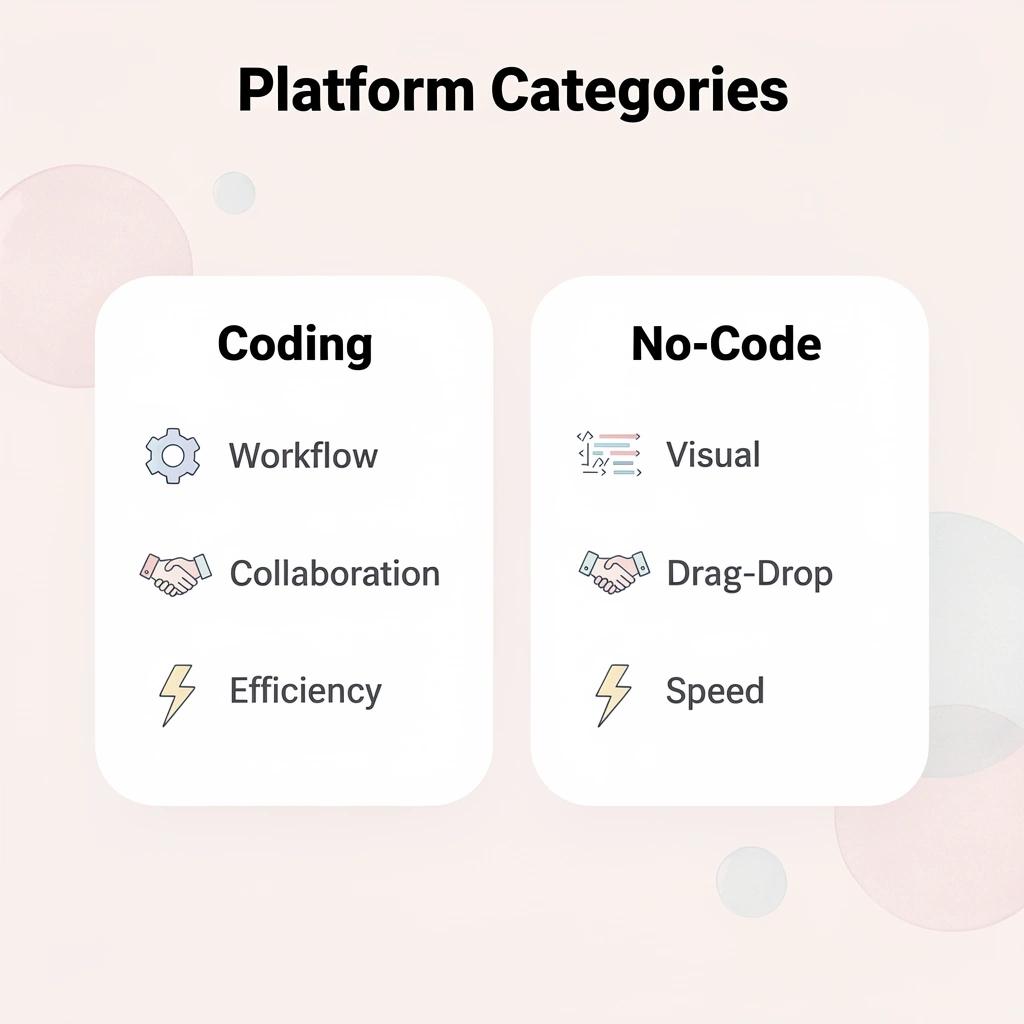
💡 Tip: If your bottleneck is technical skills or development resources, focus on no-code platforms. If your bottleneck is workflow efficiency or collaboration, prioritize enhanced coding environments.
1. Polsia
Polsia doesn't help you write code faster—it writes the code, ships the product, runs marketing, handles customer conversations, and manages infrastructure without requiring your presence. While other platforms help developers work more efficiently, Polsia operates as an autonomous system that plans, builds, and markets continuously. For first-time founders lacking technical skills or unable to afford a development team, Polsia removes the founder from the critical path entirely, delegating the entire operation to a system that runs 24/7.
2. GitHub Codespaces
GitHub Codespaces brings Visual Studio Code into the browser with full repository integration. Any codebase opens in a configured environment within seconds, eliminating the setup phase that typically consumes the first hour of onboarding or context switching. For teams working across multiple repositories or contributors joining mid-project, Codespaces ensures everyone operates in an identical environment.
3. CodeSandbox
CodeSandbox prioritizes speed for frontend developers prototyping and sharing JavaScript projects without local configuration. Real-time collaborative editing works like Google Docs, allowing multiple people to work simultaneously. It eliminates the friction of cloning repositories, installing dependencies, and syncing changes: ideal for validating UI concepts, testing library integrations, or sharing working examples with designers.
4. Gitpod
Gitpod uses container-based workspaces that start instantly from any GitHub, GitLab, or Bitbucket repository. Each workspace is defined by a configuration file in the repository, so the entire team automatically shares an identical development environment. This eliminates the "works on my machine" problem: every developer operates in the same containerized setup, removing the environment-related differences that cause debugging issues.
5. StackBlitz
StackBlitz runs a complete Node.js environment in the browser using WebAssembly, making it faster than most cloud development tools for JavaScript projects. It starts instantly, handles npm packages and module bundling within the browser tab, and requires no installation. For developers building frontend prototypes or working with React, Vue, or Angular, StackBlitz delivers responsive performance closer to native desktop tools than typical browser-based options.
6. Cursor
Cursor rethinks code editing by focusing on AI assistance rather than simply moving a traditional code editor online. Built on Visual Studio Code, it adds intelligent code completion, natural-language editing, and a deep understanding of the codebase that surpasses standard autocomplete. You can write, fix, and debug code through conversation as readily as through direct typing. For developers seeking AI coding assistance beyond what Replit's Ghostwriter provides, Cursor is the best dedicated option.
7. Bolt and Lovable
Bolt and Lovable create working applications from plain-language descriptions. They handle the front end, back end, and application setup automatically. Both tools work faster than Replit Agent when founders need to test ideas quickly and launch early products. They work best when speed matters more than deep customization—ideal for validating customer demand or building a prototype for investors.
What do most comparison lists overlook when evaluating alternatives?
According to Productivity Directory, there are 11 best Replit alternatives, while Zite Blog identifies 7 alternatives that have been tested and reviewed. These lists show what features each option offers, but they miss the core question: do you need a better platform to write code or a system that writes code for you?
Most founders exploring alternatives are frustrated by the time required to move from idea to working product, not by features like syntax highlighting or terminal access.
Why doesn't faster coding solve the real problems?
Writing code faster doesn't fix problems with deployment, infrastructure, or iteration. You can write code twice as fast and still spend weeks on hosting, monitoring, and customer feedback. The choices that matter are the ones that handle what comes after you finish writing the code.
But having options only helps if you understand what moves a project from code to a finished product.
What Actually Moves You From Code To Product
Progress is not about writing more code: it's about getting something live, learning from real users, and improving it quickly.

Writing code is only the starting point. What moves you forward is deploying that code, putting it in front of users, and iterating based on feedback. Without that loop, even a fully working codebase remains unused. Research from the DevOps Research and Assessment (2019) shows that high-performing teams are defined by their deployment frequency and the speed at which they move changes into production. The difference is not how much code they write, but how fast they turn code into outcomes.
"High-performing teams are defined by deployment frequency and how quickly they move changes into production." — DevOps Research and Assessment, 2019
🔑 Key Takeaway: The gap between writing code and creating value closes through faster deployment and user feedback loops, not by adding more features.
💡 Tip: Get your minimum viable product live as quickly as possible—real user feedback beats theoretical perfection every time.
The deployment gap
The real friction emerges between working code and a live product. You can create a complete feature in minutes, but if deployment takes days, you lose momentum. Every delay between conceiving an idea and testing it in the real world slows learning. When infrastructure setup, tool configuration, and pipeline deployment require manual work, each step adds hours or days to the cycle.
Managing the full lifecycle
Building a product involves planning, coding, deploying, monitoring, iterating, and growing. When these steps are disconnected, progress breaks apart: teams get stuck switching between coding environments, deployment platforms, monitoring dashboards, and feedback tools, losing track with each change. Platforms like Polsia handle the entire cycle from planning through deployment to marketing without requiring you to manage handoffs between stages, eliminating the gaps where projects typically get stuck.
From partial progress to continuous execution
Before you switch tools, write code, and set things up, make progress. Each step feels productive, but nothing is fully complete. After execution becomes continuous—moving from idea to code to live product, then back to making changes without friction. Each cycle builds on the last. What moves you forward is better execution across the entire process, not better code or better tools.
But knowing what moves you forward helps only if the system supports that movement without constant intervention.
How Polsia Helps You Build Without Getting Stuck In Tools
Polsia removes fragmentation between planning, building, and launching by managing all three in a single autonomous system. Describe your idea once, and our platform structures it into a product plan, writes code, deploys it live, and runs marketing and operations without switching tools or manually configuring infrastructure.

🎯 Key Point: Instead of juggling multiple platforms and constantly context-switching between project management tools, code editors, deployment services, and marketing platforms, Polsia becomes your single command center that orchestrates everything automatically.
"The average developer uses 12+ different tools just to get a simple product from idea to launch, creating countless opportunities for errors and delays." — Developer Productivity Report, 2024
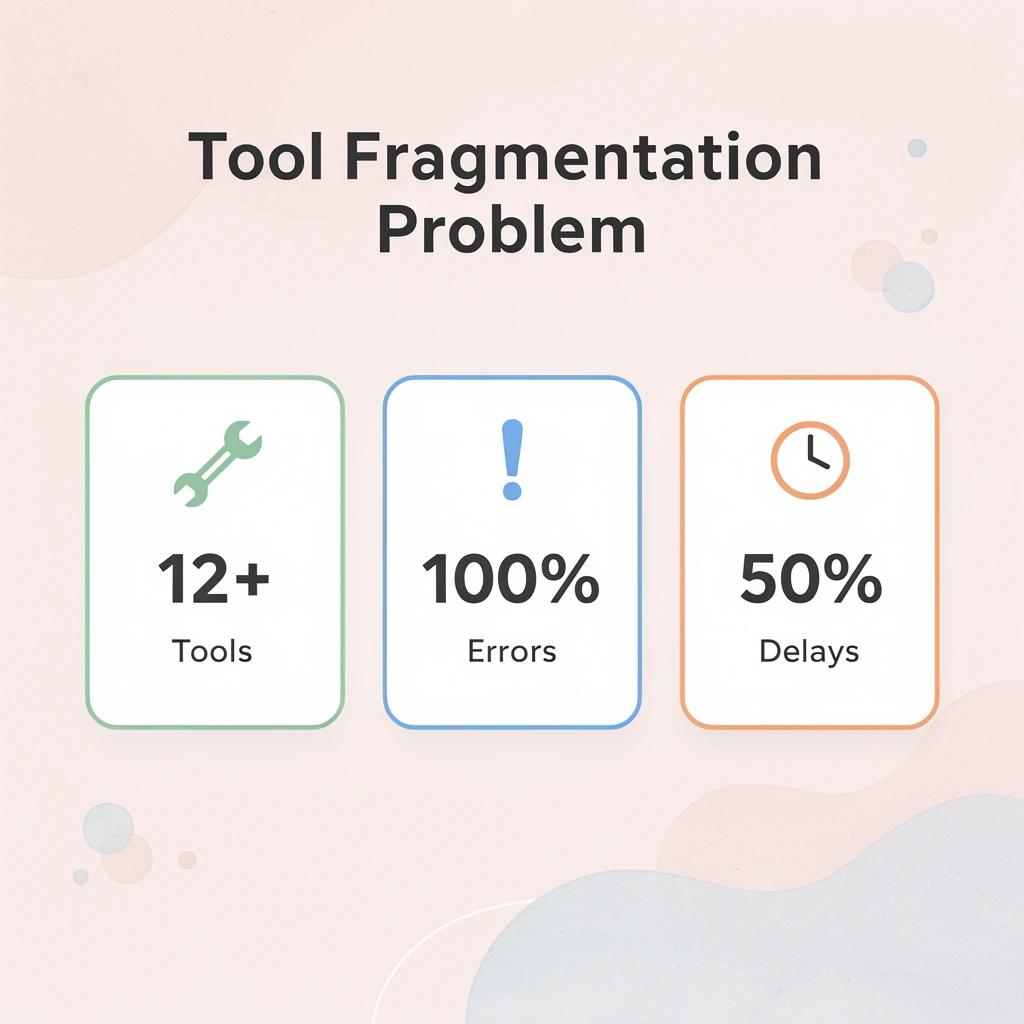
💡 Tip: Think of Polsia as your AI product partner that never forgets context—it maintains a complete understanding of your project across all phases, ensuring seamless handoffs between planning, development, and launch activities without the typical information loss that happens when switching between tools.
From Idea to Structured Plan
Most projects stall before development begins because ideas remain unclear. Polsia transforms your description into a structured product plan that defines scope, features, and next steps, removing the confusion that typically consumes early-stage development.
Code That Maintains Continuity
The system writes and structures your code while tracking everything across the entire build. Most workflows collapse when code pieces are spread across different platforms, requiring manual assembly. This manual work introduces errors and slows development. Polsia handles this as one unified process.
Deployment Without Manual Setup
Polsia puts your MVP online without server setup, hosting work, or manual service connections. According to a LinkedIn post by Preston Zeller, this costs $49 per month, eliminating the infrastructure problem that normally delays launch by weeks. You move from a working prototype to a live product without changing platforms or learning new deployment tools.
How does Polsia handle marketing and operations after launch?
After launch, Polsia runs marketing campaigns and manages ongoing operations, including user communication and process automation. This closes the gap most tools leave open: you build something, but then struggle to grow it because growth requires entirely different systems.
The platform operates continuously, handling outreach and iteration without requiring constant input.
What results has this approach achieved?
Over 2,000 companies launched in 24 hours using this approach. The shift moves from managing separate tools to describing what you want built.
Progress happens because the system runs the full cycle, not because you learned to use better software. But understanding how it works matters only if you know what happens when you start using it.
Related Reading
- Best Mobile App Builder
- No Code Ai Tools
- Lovable Ai
- Hire App Developer
- Best Vibe Coding Tools
- How To Create An App
- Ai App Builders
Start or Grow your Existing Business with Polsia Today
You already know what makes autonomous systems different from coding platforms. The question is whether you want to keep managing tools or let the system run the business cycle while you focus on decisions that matter. Most founders spend months learning platforms, setting up workflows, and connecting deployment pipelines. But that model assumes you need to be there for progress to happen.

🎯 Key Point: Autonomous systems eliminate the need for constant founder involvement in technical execution, allowing you to focus on strategic decisions rather than operational tasks.
Polsia operates differently because it doesn't wait for you to write code, set up servers, or launch campaigns. It plans the product, writes the implementation, deploys the infrastructure, and runs post-launch marketing as a continuous autonomous cycle. You define the outcome, and the system executes the full loop without requiring you to manage each stage, eliminating the need for a developer entirely.

"Autonomous systems handle coordination internally, which means the business keeps building whether you're online or not."
💡 Tip: Traditional platforms help you code faster, but you still coordinate deployment, monitor performance, fix issues, and iterate based on feedback. Autonomous systems handle that coordination internally, which means the business keeps building whether you're online or not.